Crystal Camera Lenses: What They Are, Whether They Protect and How to Install Them
by Sam N. • Nov 05, 2026
Crystal camera lens covers have become one of the most recognizable iPhone accessories in 2026. You have seen them on Instagram and TikTok: iPhones with rainbow-light-catching rings around each camera lens, catching light with every movement. But before you add them to your phone, it is worth understanding what they actually do, whether they affect photo quality, and how to install them without damaging anything.
1. What Are Crystal Camera Lenses
Crystal camera lens covers are decorative rings that sit around the camera lenses on the back of an iPhone. They are typically made from tempered glass or a crystal-like material with a metallic or iridescent finish. The most popular styles have a rainbow or aurora effect that scatters light visually.
They are not the same as camera lens protectors in the traditional protective sense. Standard camera protectors (usually tempered glass) are flat and designed to prevent scratches on the actual sapphire camera glass. Crystal lens covers are primarily decorative, with protective benefits as a secondary function.
The two main types:
- Flat crystal/tempered glass covers: Sit flush over the camera lens. Minimal visual profile, some light-catching sparkle effect.
- Ring-style crystal lenses: A raised decorative ring around each lens with a crystal or metallic edge treatment. More visible from different angles, stronger light-catching effect.
2. Do Crystal Camera Lenses Actually Protect the Camera
Partially. Here is the honest breakdown:
What they do protect against:
- Minor scratches on the camera glass from keys, sand, or grit
- Light contact with hard surfaces when the phone is placed face-up
- Cosmetic wear on the camera bump over time
What they do NOT protect against:
- Hard impact drops onto the camera bump (the adhesive is not strong enough to absorb impact force)
- Deep gouges from sharp objects
- Water intrusion (most crystal lens covers do not improve the phone's IP rating)
If drop protection for the camera is your primary concern, a case with a raised camera bezel provides more reliable protection than crystal lens covers alone. That said, for everyday light scratch protection and visual customization, crystal lenses do what they claim to do.
3. Do Crystal Camera Lenses Affect Photo Quality
This is the most common concern, and it depends on the quality and fit of the lens cover.
Low-quality or poorly fitted covers: Can cause lens flare, ghosting in bright light, soft edges in images, and reduced contrast. This happens when the cover is not optically clear or sits at a slight angle over the lens.
High-quality flush covers: Should not noticeably affect image quality for everyday photography. The camera software corrects for minor variance in light passing through the glass.
Ring-style decorative covers: As long as the ring sits outside the actual lens opening and does not cover any part of the lens glass, photo quality is unaffected. The ring is decorative around the lens, not on top of it.
To test a crystal lens cover you already have: take a photo with it installed, remove it, take the same photo without. Compare on a large screen. If you see visible softening or flare with the cover on, the fit is off or the quality is below standard.
4. Model Compatibility: Which iPhones Can Use Crystal Camera Lenses
Crystal camera lens covers are available for most modern iPhone models, but the configuration matters:
- Single-lens and dual-lens models: Covers come in sets of 1 or 2 matching pieces
- Triple-lens models (iPhone 14 Pro, 15 Pro, 16 Pro, 17 Pro, 18 Pro and their Max variants): Covers come in sets of 3
- iPhone 17 Air: Unique single rear camera, requires a specific single-lens set
Check that the set you purchase matches both your model and your exact camera count. Using a three-lens set on a two-lens phone, or vice versa, leaves you with an off-center or mismatched installation.
5. How to Install Crystal Camera Lenses Step by Step
Installation is straightforward but requires care. The adhesive is strong enough for permanent attachment but can be unforgiving if you install off-center.
What you need:
- The crystal lens cover set
- Included cleaning wipes (most sets include these)
- A well-lit, clean workspace
- Clean, dry hands
Step 1: Clean the camera area. Use the included alcohol wipe to clean the camera bump completely. Remove all oil, dust, and fingerprints. Allow to dry for 30 to 60 seconds. This step is critical. Any oil under the adhesive will cause the cover to lift at the edges over time.
Step 2: Align before sticking. Hold the crystal lens ring over the camera without removing the adhesive backing. Line it up so it centers perfectly over the lens. Note the alignment, then remove the backing.
Step 3: Place slowly from one edge. Do not press down all at once. Place one edge of the ring and slowly roll or press down to the other side. This prevents air bubbles under the adhesive.
Step 4: Press firmly from center outward. Once placed, press firmly from the center of each lens cover outward. A microfiber cloth over your finger distributes pressure evenly.
Step 5: Allow adhesive to set. Do not put a case over the camera area for at least an hour. Most adhesives reach full strength in 24 hours.
6. Removing Crystal Camera Lenses
Removing crystal lens covers requires patience. The adhesive is strong, and rushing can leave residue on the camera glass.
Use gentle heat: A hairdryer on low heat held about 15 cm from the camera for 15 to 20 seconds softens the adhesive and makes the cover easier to lift without force.
Lift from one edge: Use a plastic card or your fingernail to lift one edge gently. Do not use metal tools near the camera glass.
Remove adhesive residue: Use a soft cloth with a small amount of rubbing alcohol to remove any remaining adhesive. Do not use abrasive materials on the camera glass or surrounding metal.
7. Crystal Lenses and Cases: How They Work Together
Most crystal camera lens covers work under cases as long as the case camera cutout has enough clearance for the slightly raised ring. Check the thickness of the covers before ordering if you plan to use them under a slim case.
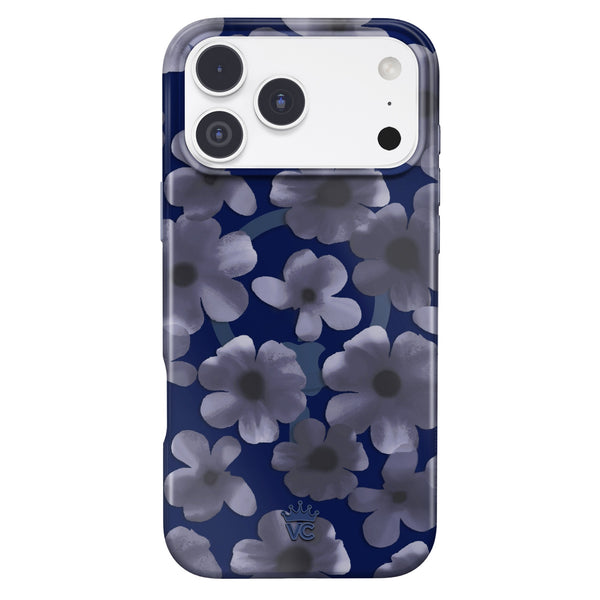
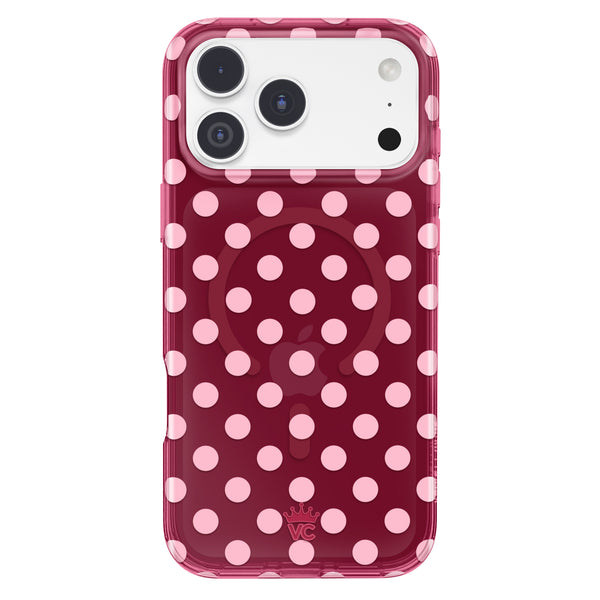
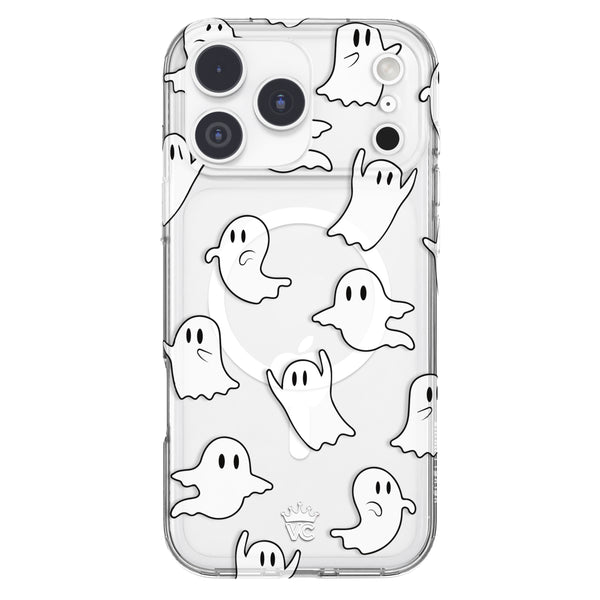
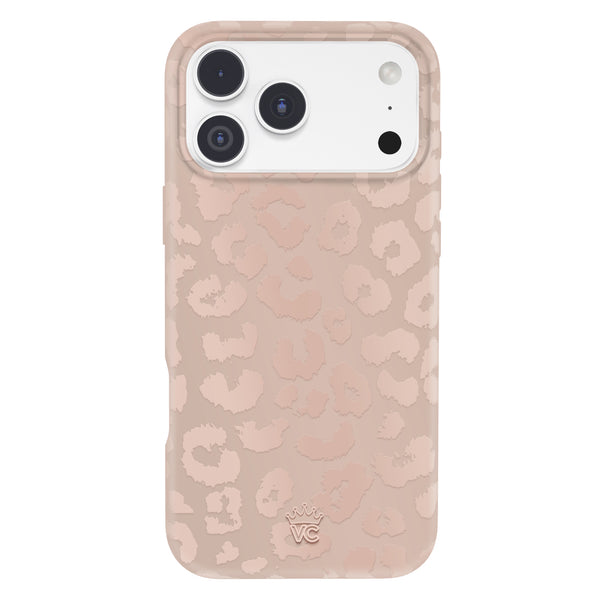
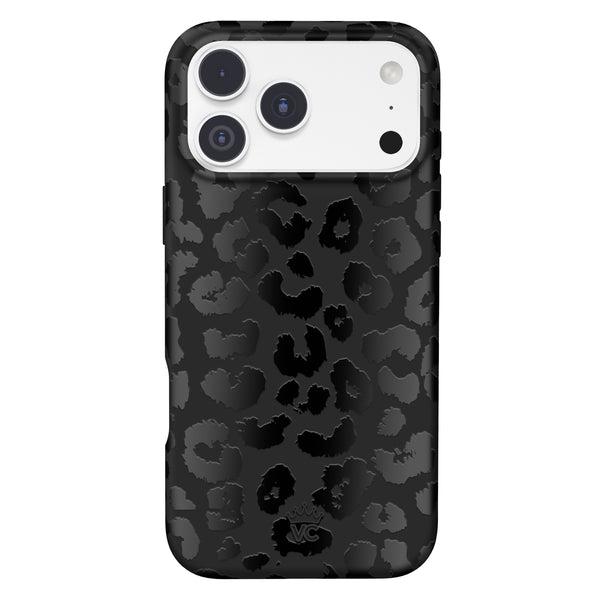
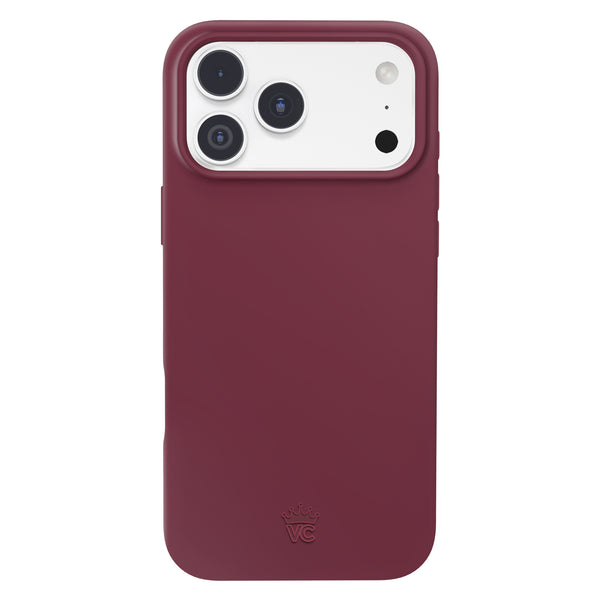
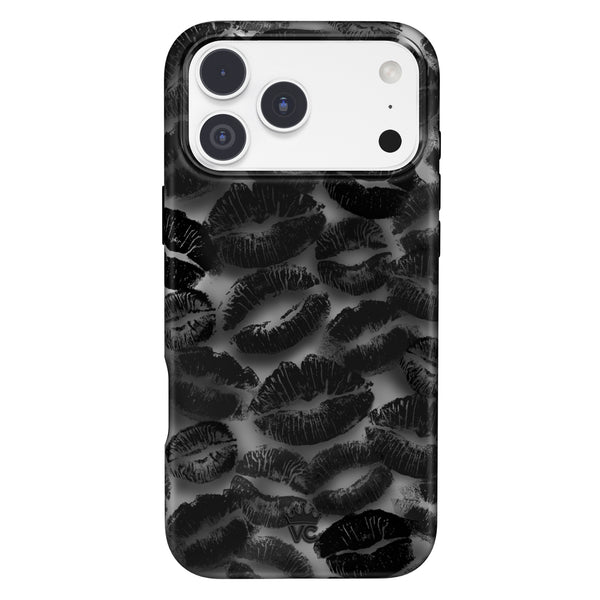
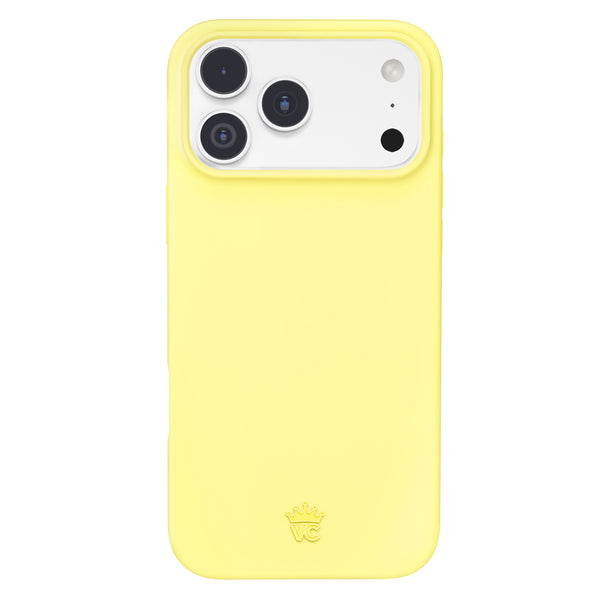
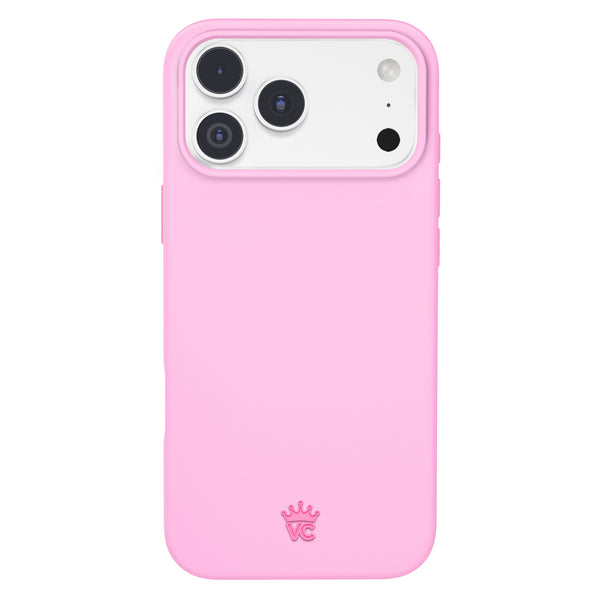
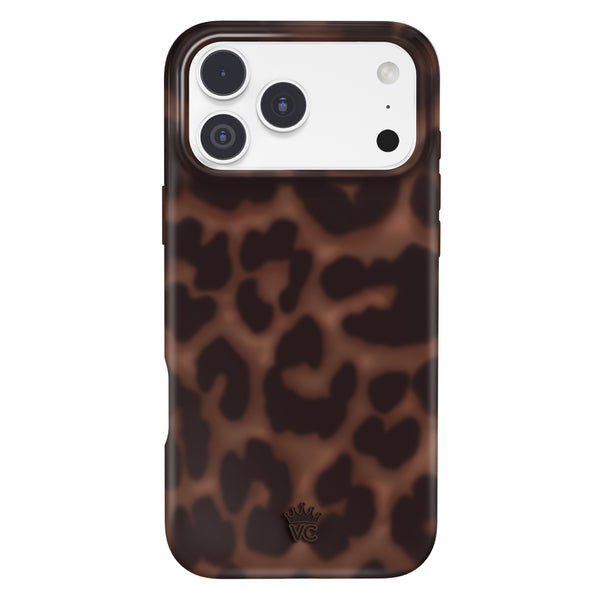
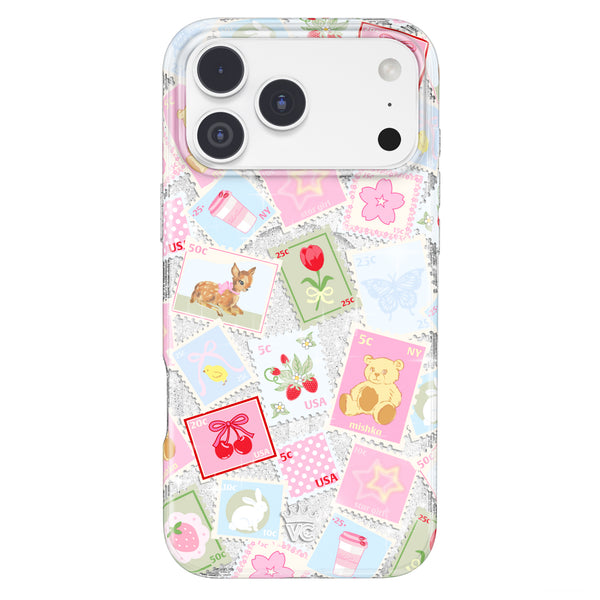
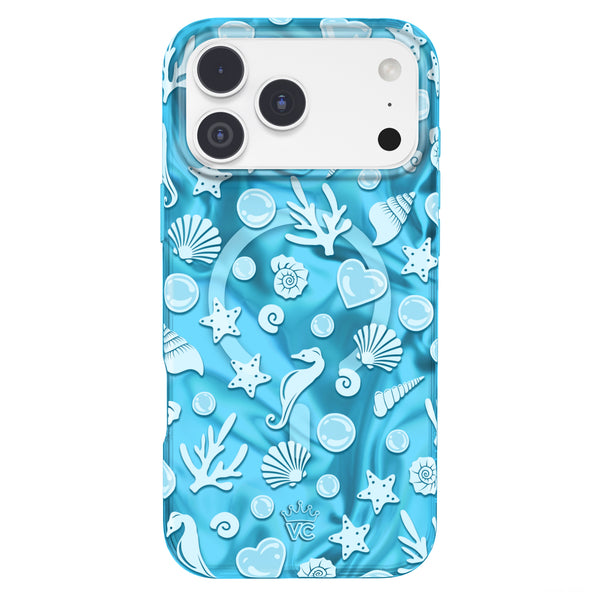
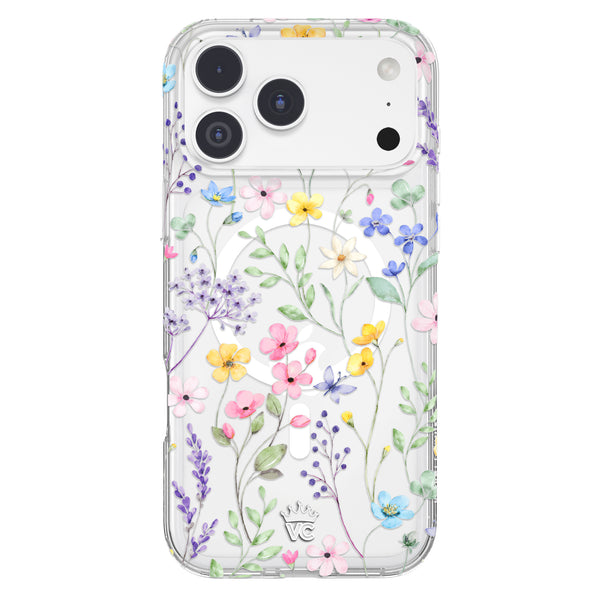
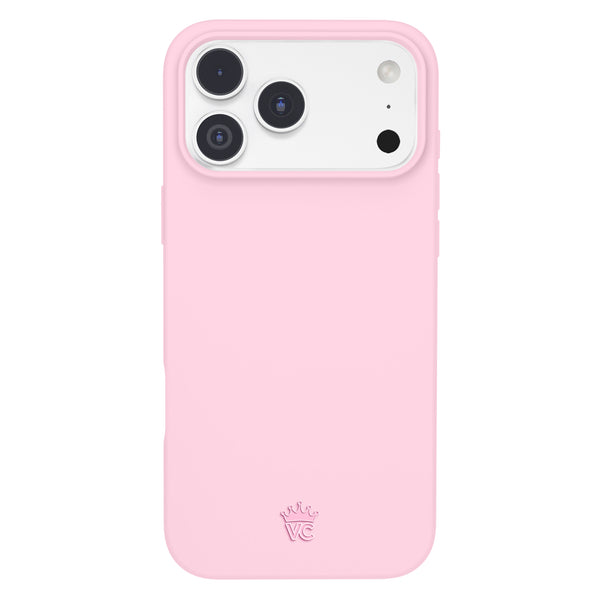
For visual impact, crystal lens covers look best without a case on the camera area, or with a case that has a large, open camera cutout. Velvet Caviar's glam cases typically have clean open cutouts that work well with crystal lens accessories.
Frequently Asked Questions
Do crystal camera lens covers affect photo quality?
High-quality covers fitted properly should not noticeably affect photos. Low-quality or poorly aligned covers can cause flare or softening. Test before committing.
Are crystal lenses the same as camera lens protectors?
No. Standard camera protectors are flat tempered glass primarily designed for scratch protection. Crystal lenses are decorative first and offer light scratch protection as a secondary benefit.
How do I remove crystal camera lens covers?
Apply gentle heat with a hairdryer, lift one edge carefully with a plastic card, and clean residue with rubbing alcohol and a soft cloth.
Do crystal lenses work with a phone case on?
Usually, as long as the case has a camera cutout with enough clearance for the raised ring. Check the crystal cover thickness against your case before installing.
Which iPhones can use crystal camera lens covers?
Most iPhone models from iPhone 11 onward. Make sure the set matches your specific model and camera count (1, 2, or 3 lenses).
Find coordinating cases and accessories at Velvet Caviar to complete the crystal lens aesthetic.