MagSafe Wallet: Card Capacity, Case Compatibility and Whether It Blocks Charging
by Sam N. • Nov 12, 2026
The MagSafe wallet has become one of the most popular iPhone accessories since its launch, and with good reason. It snaps on and off cleanly, holds your essentials, and removes completely when you do not need it. But before you add one to your setup, there are a few things worth understanding: how many cards it actually fits, which cases work with it, and whether having it on affects your charging.
1. What Is a MagSafe Wallet
A MagSafe wallet is a card-holding accessory that attaches to the back of your iPhone via a ring of magnets. It stays attached during normal use, walking, and light movement, but can be removed intentionally with a deliberate pull.
The original Apple MagSafe Wallet and third-party options from brands including Velvet Caviar work on the same principle. The magnet ring on the back of your iPhone (or on the back of a MagSafe-compatible case) aligns with the magnet ring on the wallet to create the connection.
2. Card Capacity: How Many Cards Fit in a MagSafe Wallet
Most MagSafe wallets are designed to hold 1 to 3 cards. This is not marketing minimalism; it is a functional limit based on the size of the accessory and how the magnets interact with card thickness.
Standard capacity: 2 to 3 standard credit or debit cards
With minimalist setup (1 card): Very slim, nearly undetectable on the phone
At maximum (3 cards): Noticeable thickness, but still functional snap
Trying to push past three cards weakens the magnet connection and risks the wallet detaching unexpectedly. If you regularly carry more than three cards, a MagSafe wallet alone is not the right solution. Consider a MagSafe wallet paired with a card pocket case instead.
Cards that affect capacity beyond their face count:
- Thick metal cards (some premium credit cards) take up more space than two standard cards
- Room key cards can be thicker than standard cards
- Business card paper is thinner but can slip out of card slots designed for standard card stock
3. MagSafe Wallet and Card Security
Cards are held in the wallet by friction and the folded structure of the card slot. The wallet does not have a clasp or locking mechanism. Cards can slide out if the wallet is opened with the card facing down. For cards you absolutely cannot lose, a physical locking wallet or a built-in card slot case offers more security.
Standard credit cards with NFC or RFID chips work normally through the wallet. The magnets in a MagSafe wallet do not erase or damage chip-based cards. Magnetic stripe cards (becoming rarer) can potentially be affected by strong magnets over time, but this is uncommon with standard-strength MagSafe magnets.
4. Case Compatibility: What You Need for MagSafe Wallets to Work
For a MagSafe wallet to attach properly, the back of your case needs to have a magnet ring that aligns with the iPhone's internal magnets. Without this, the wallet either does not attach at all or attaches weakly and falls off easily.
| Case Type | MagSafe Wallet Snap | Notes |
|---|---|---|
| MagSafe-certified ring case | Strong, reliable | Best compatibility |
| Case with magnet sheet (no ring) | Moderate, less aligned | Wallet may not snap cleanly |
| Non-magnetic case | Weak or none | Wallet may slide or fall |
| No case (bare iPhone) | Strong, reliable | Full snap through phone's magnets |
| Thick rubber or silicone case | Weakened | Reduces magnet contact strength |
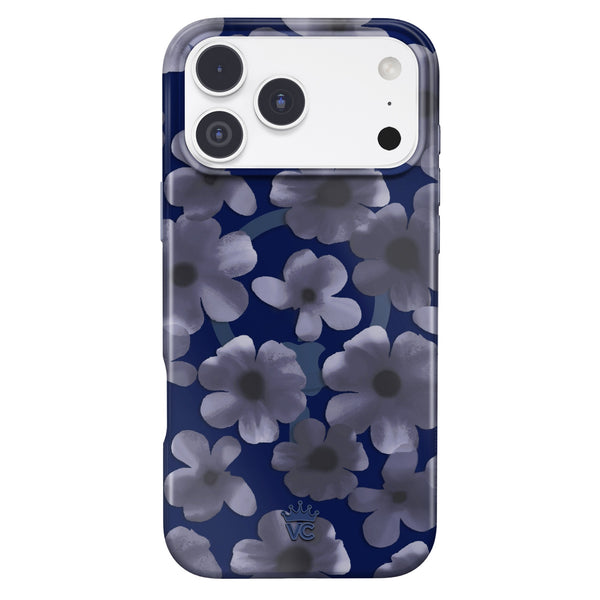
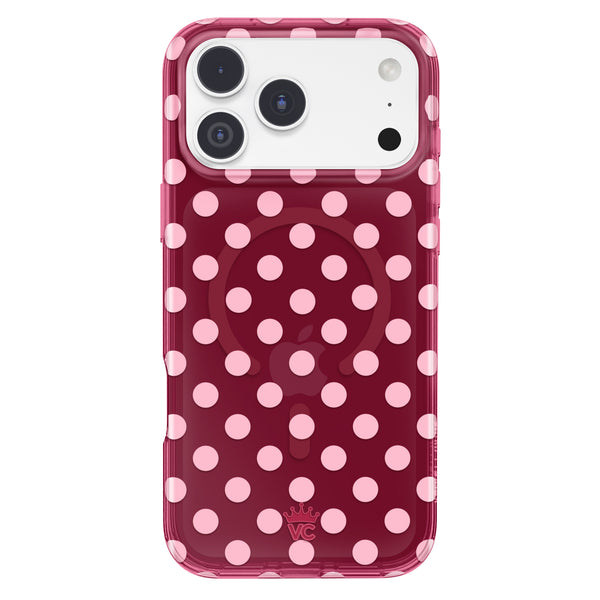
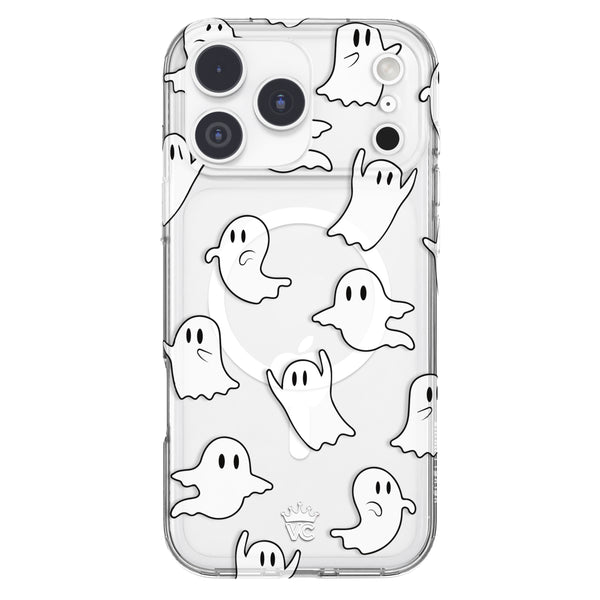
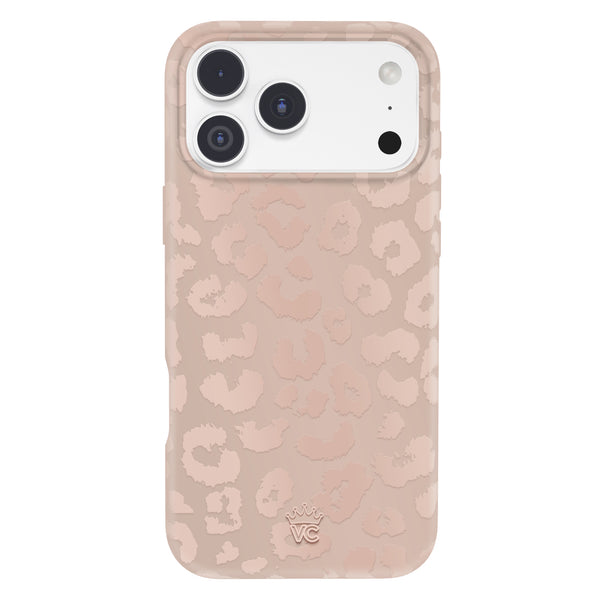
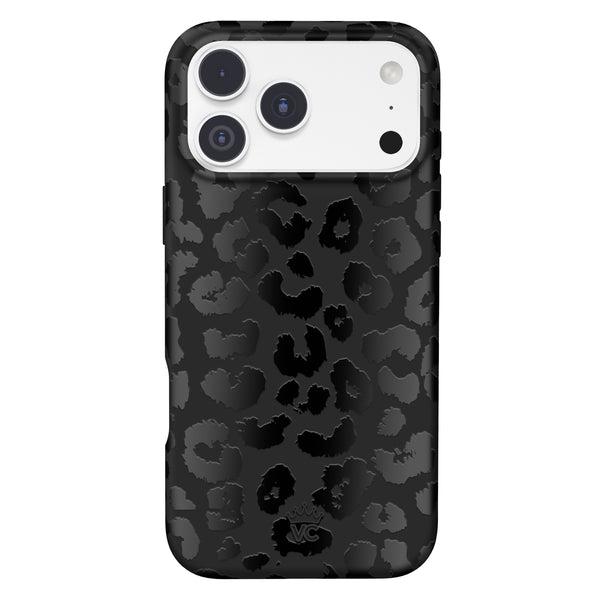
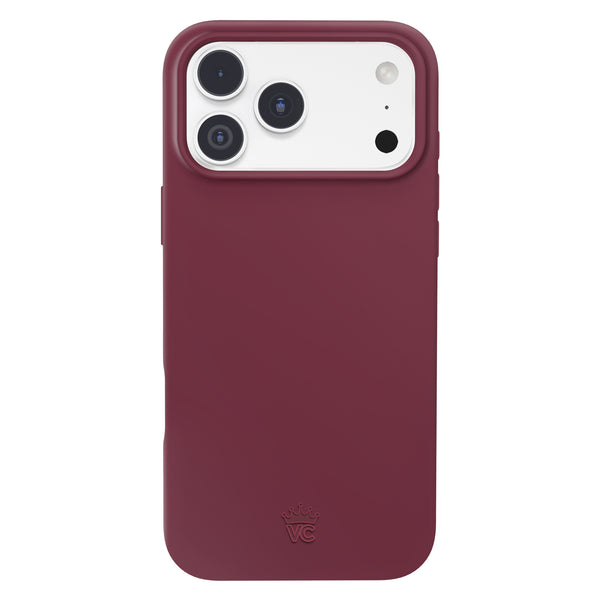
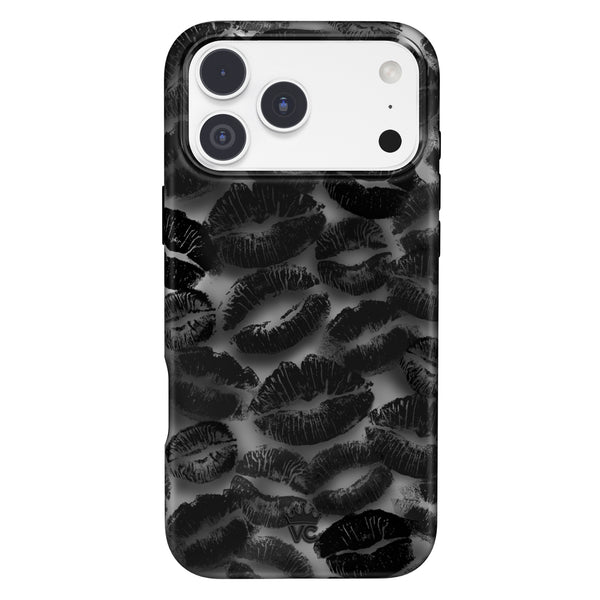
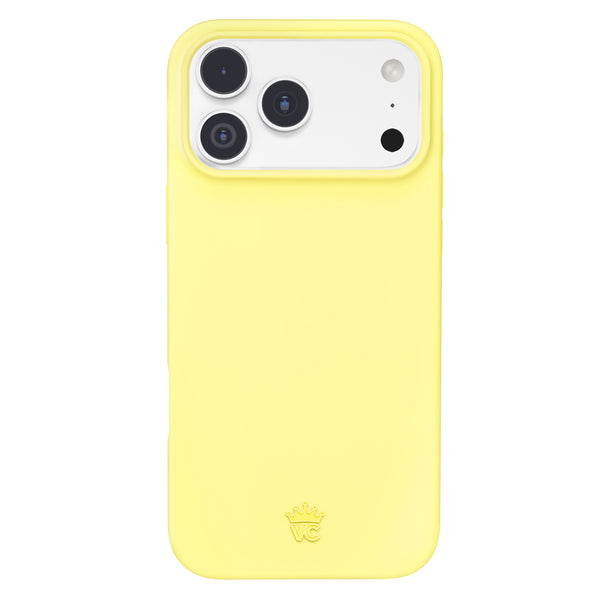
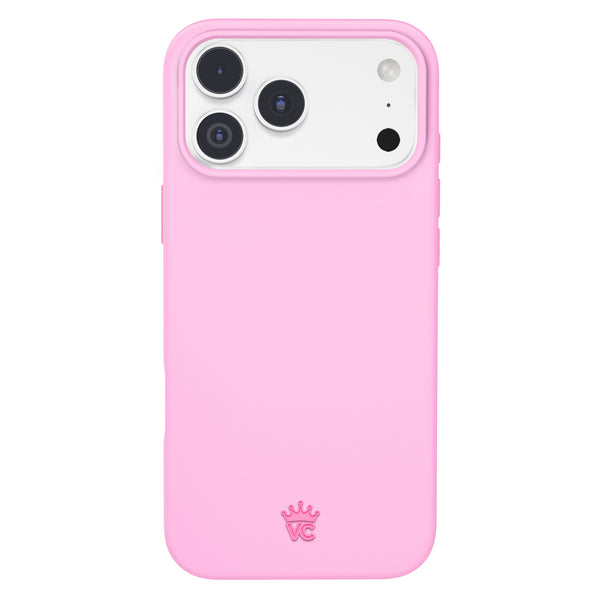
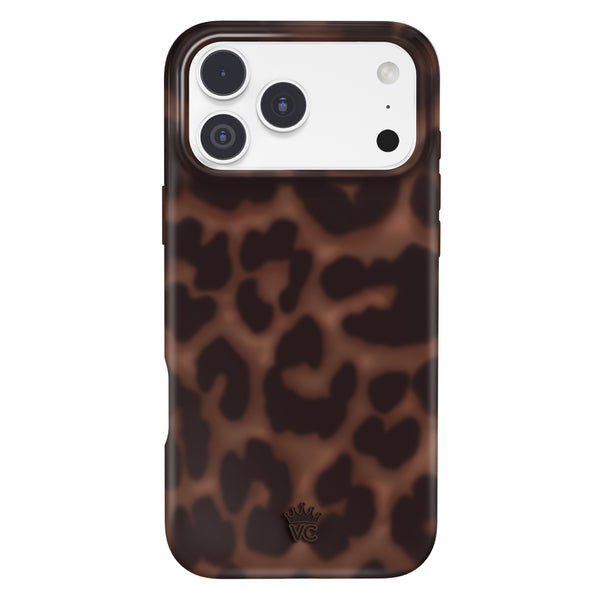
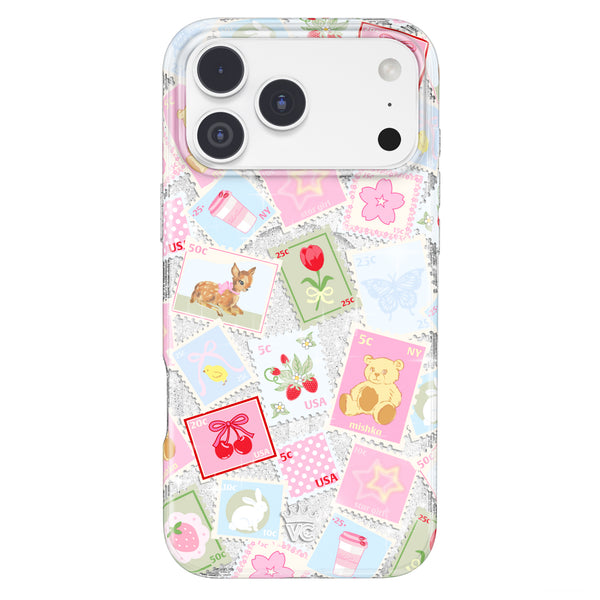
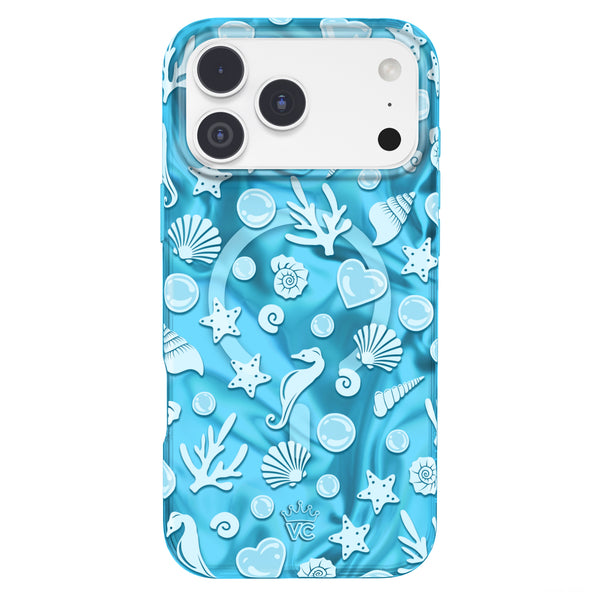
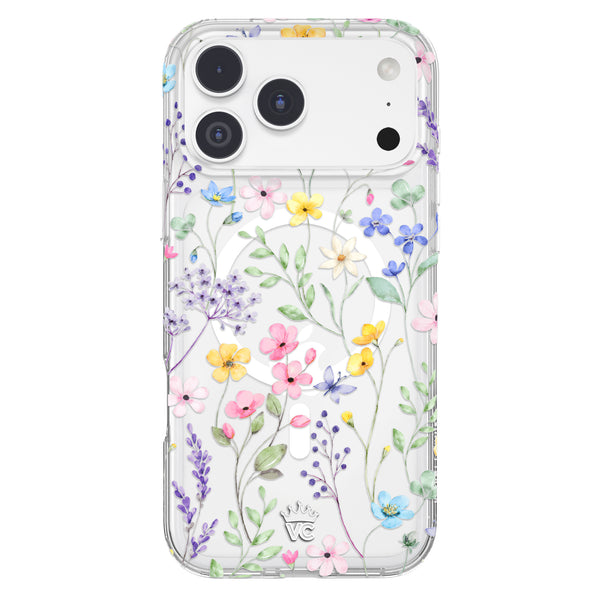
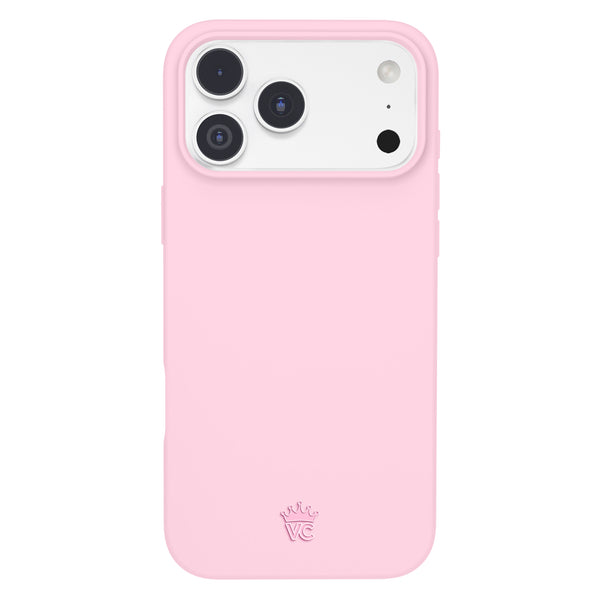
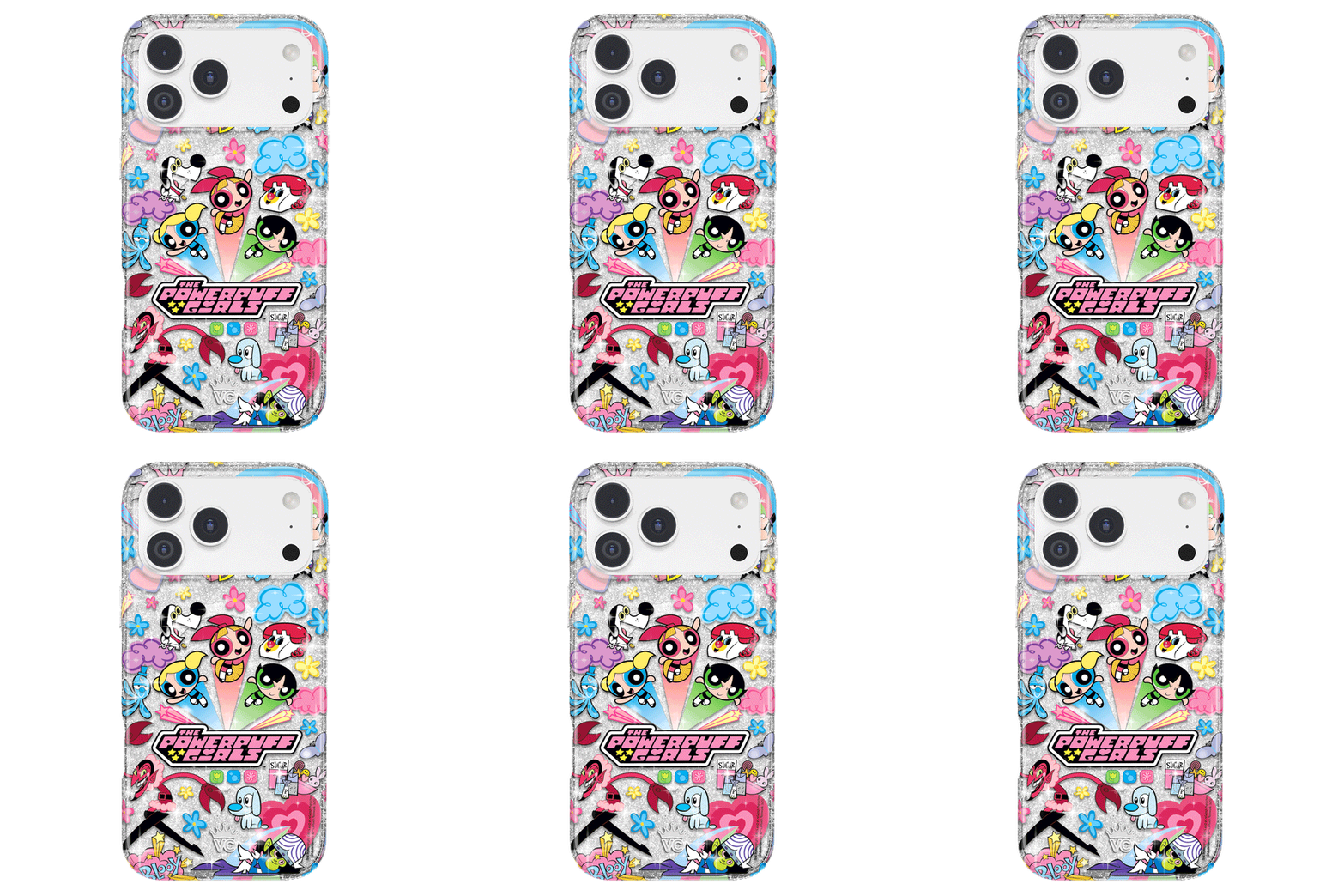
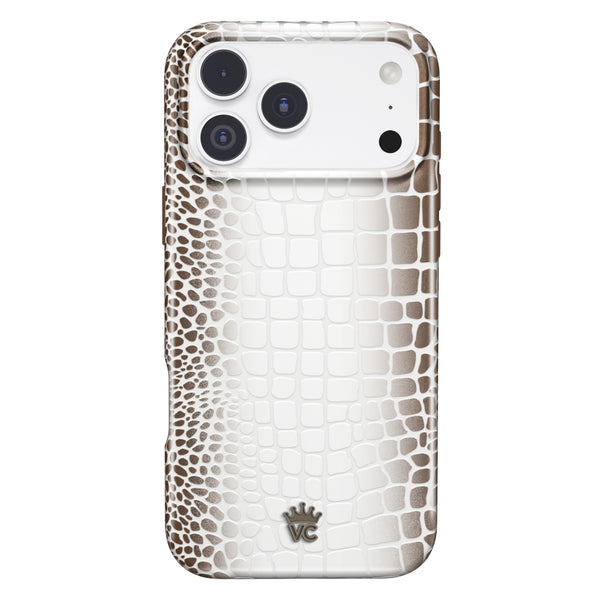
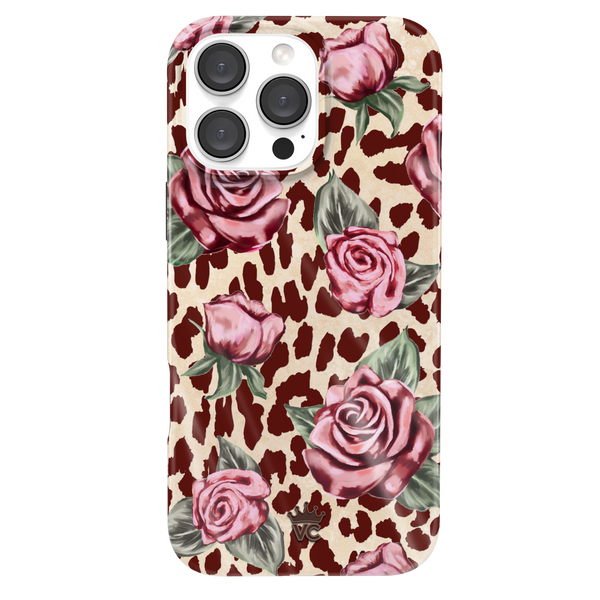
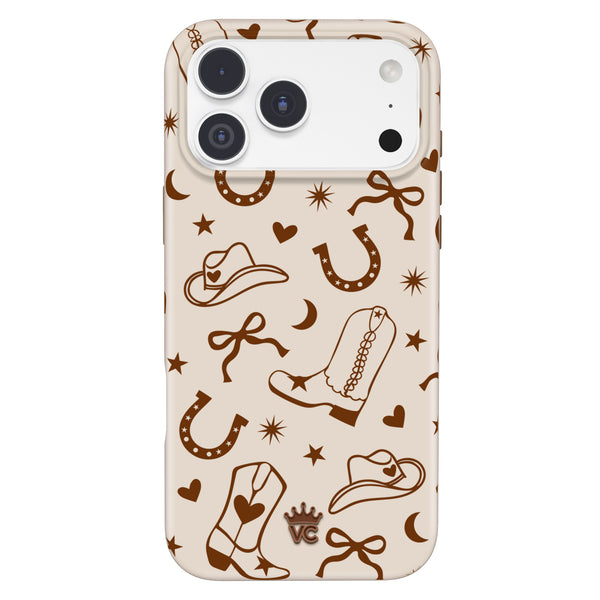
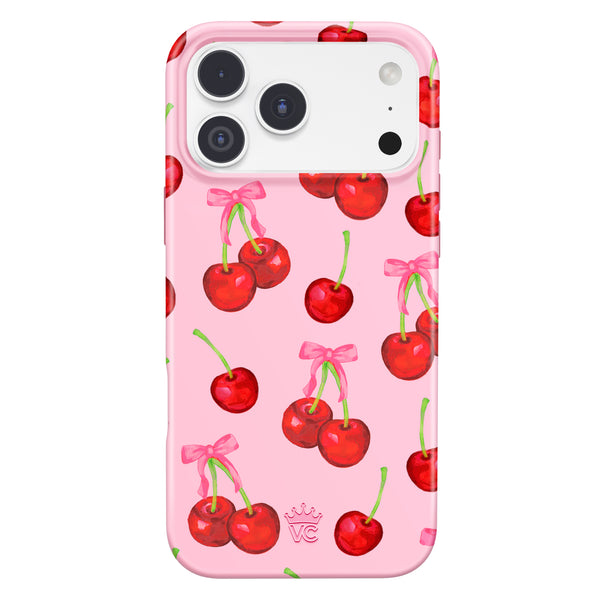
Velvet Caviar's MagSafe cases include proper ring alignment for reliable wallet and mount attachment.
5. Does a MagSafe Wallet Block Wireless Charging
Yes, when attached to the back of the phone, a MagSafe wallet blocks wireless charging. This includes both MagSafe charging and standard Qi charging. You need to remove the wallet before placing the phone on a charger.
This is the most common complaint about MagSafe wallets, and it is worth understanding before you commit to the setup. If you charge wirelessly at a nightstand, in a car, or at a desk charger, you will need to remember to remove the wallet each time.
Some people find this habit easy to build. Others find it annoying enough to stick with plug-in charging or a different wallet solution. Be honest with yourself about your charging habits before buying.
What the wallet does NOT block:
- Wired USB-C charging (the charging port is on the bottom, not affected by a rear wallet)
- Apple Pay (NFC still works through the wallet for payments)
- Other phone functions
6. MagSafe Wallet and iPhone Compatibility by Model
MagSafe wallets work on iPhone 12 and later. The specific models:
- iPhone 12, 12 Mini, 12 Pro, 12 Pro Max
- iPhone 13, 13 Mini, 13 Pro, 13 Pro Max
- iPhone 14, 14 Plus, 14 Pro, 14 Pro Max
- iPhone 15, 15 Plus, 15 Pro, 15 Pro Max
- iPhone 16, 16 Plus, 16 Pro, 16 Pro Max
- iPhone 17, 17 Air, 17 Pro, 17 Pro Max
- iPhone 18, 18 Pro, 18 Pro Max
Older iPhones (iPhone 11 and earlier) do not have the internal MagSafe magnet ring and will not snap securely with MagSafe wallets, even if you add an aftermarket magnetic ring.
7. MagSafe Wallet vs. Card Slot Case: Which Is Better
Both solve the same problem (carrying cards with your phone) in different ways:
MagSafe wallet advantages: Removable when not needed, swappable between phones or to bare phone, available in many styles and materials, can be left behind when traveling light.
Card slot case advantages: Cards are more secure, no separate accessory to track, works with any wireless charger without removing the wallet, no magnet strength concerns.
If you like flexibility, the MagSafe wallet is the better choice. If you want simplicity and do not need the wallet to be removable, a built-in card slot case wins.
8. Style Options for MagSafe Wallets in 2026
MagSafe wallets are no longer purely functional accessories. In 2026, they come in a wide range of materials and finishes: leather in classic and contemporary colors, fabric textures, clear options that show a gradient or design, and collaborations with fashion-forward brands.
A coordinated case and MagSafe wallet set makes the most visual impact. When the wallet matches or complements the case, the combination looks intentional rather than afterthought.
Frequently Asked Questions
How many cards fit in a MagSafe wallet?
Most MagSafe wallets hold 2 to 3 standard credit or debit cards. Fitting more than three cards weakens the magnet connection and risks the wallet detaching.
Does a MagSafe wallet block wireless charging?
Yes. You need to remove the wallet before wireless charging. Wired USB-C charging is not affected.
Does a MagSafe wallet work with any iPhone case?
It works best with cases that have a MagSafe-certified magnet ring. Cases without a ring will result in a weaker snap or no snap at all.
Can MagSafe magnets damage my credit cards?
Standard chip-based cards are not affected. Magnetic stripe cards (increasingly rare) can potentially be impacted over time with repeated strong magnet exposure.
Does Apple Pay still work with a MagSafe wallet on the phone?
Yes. NFC for Apple Pay still works with the MagSafe wallet attached to the back of the phone.
Find MagSafe-compatible cases and accessories at Velvet Caviar. Bundle options pair a MagSafe case with a grip for a complete setup.