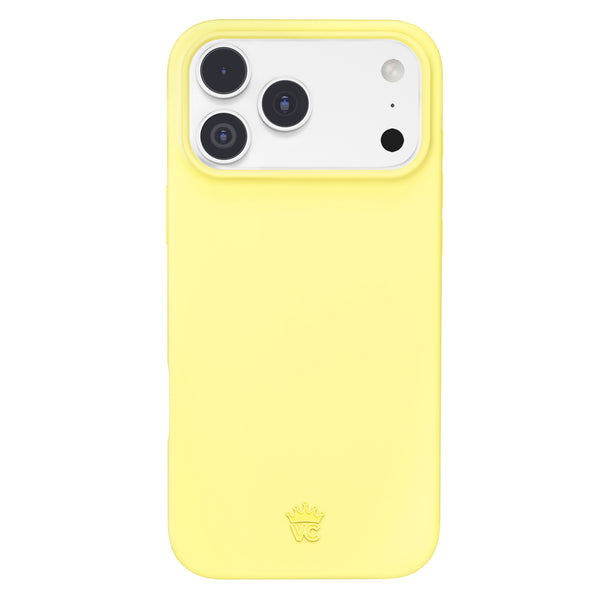
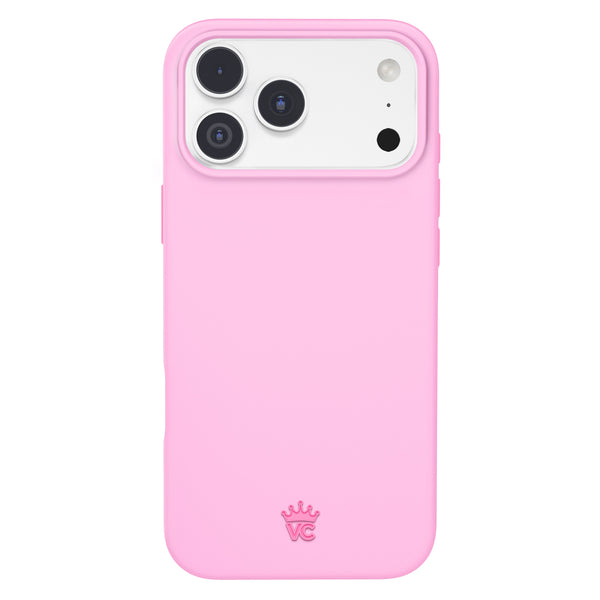
iPhone 18 Pro Max MagSafe Wallet Cases: The Full Accessory Setup
by Sam N. • Oct 13, 2026
You grabbed your keys, your iced latte and your brand new iPhone 18 Pro Max, and then realized your cards are still sitting in yesterday's bag. We have all been there. The easiest fix is an iPhone 18 Pro Max MagSafe wallet case setup, where your phone, your ID and your go-to card travel as one cute little unit.
But "wallet case" can mean three very different things, and the one you pick changes how you charge, how much you carry and how your phone looks in every mirror selfie. Below: a pros and cons table, the truth about 25W charging and RFID, matching tips and the complete four-piece setup.
Key Takeaways
- A slim case plus a snap-on MagSafe wallet is the most flexible setup for the iPhone 18 Pro Max: you can pop the wallet off to charge, to shoot content or to go out light.
- The iPhone 18 Pro Max supports MagSafe and Qi2 charging up to 25W, but Apple says to remove cards before you charge.
- Most MagSafe wallets hold 1 to 3 cards. Carry the essentials and leave the loyalty cards at home.
- Fraud experts quoted by AARP call RFID skimming a largely theoretical risk, so RFID blocking should not be your deciding factor.
- Matching your wallet, grip and power pack to your case turns a practical setup into a real outfit moment.
1. Wallet Case vs Folio vs Case Plus Snap-On Wallet
The built-in wallet case
This is a case with a card slot molded into the back. It is simple and there is nothing to lose. The catch: your cards are always there, so they sit between your phone and the charger every single time you charge wirelessly.
The folio case
A folio wraps the front and back like a tiny book. It covers your screen and often holds more cards, which is great for travel. It also adds bulk and hides your phone's design, which matters on a phone as large as the 6.9-inch Pro Max.
The case plus snap-on MagSafe wallet
Here you pair a MagSafe case with a separate magnetic wallet that clicks onto the back. Wallet on for errands, wallet off for charging or a sleek clutch moment. This is the setup we build the rest of this guide around.
| Style | Pros | Cons | Best for |
|---|---|---|---|
| Built-in wallet case | Nothing to detach or lose, one purchase | Cards stay on during wireless charging, fewer design options | Minimalists who never charge wirelessly |
| Folio case | Screen coverage, more card space | Bulky, hides the phone, slower to use | Travel days and heavy card carriers |
| Case plus snap-on MagSafe wallet | Detachable, easy to charge, endless mix and match looks | Two pieces to choose, wallet can be knocked off in a tight pocket | Everyday style, content creators, anyone who charges on a MagSafe pad |
2. Magnet Strength and 25W Charging: What to Know
The iPhone 18 Pro Max supports MagSafe wireless charging up to 25W and Qi2 up to 25W, according to Apple's iPhone 18 Pro tech specs. That is quick, but only if nothing is in the way.
Why the wallet comes off to charge
Apple's MagSafe support page is direct about this: "Don't place credit cards, security badges, passports, or key fobs between your iPhone and MagSafe Charger, because this might damage magnetic strips or RFID chips in those items." Apple also says that if your case holds sensitive items, you should remove them before charging.
That is exactly why a detachable wallet wins: slide it off, charge, snap it back on. For the full breakdown of how cases affect charging speed, read our guide to MagSafe cases for iPhone 18 Pro Max at 25W.
Why the case matters for magnet grip
A MagSafe wallet sticks best when your case has a built-in magnetic ring lined up with the phone's own magnets. A plain case without MagSafe puts plastic in the way and the wallet can slide around. Every Velvet Caviar case is made with MagSafe built in, so your wallet, grip ring and power pack all have a proper place to land.
The Pro Max weighs 249 g, so keep your wallet slim. An overfilled wallet sits farther from the magnet and is easier to knock loose.
3. Card Capacity: How Much Can You Really Carry?
Most snap-on MagSafe wallets are designed for a small, edited lineup. The Velvet Caviar MagSafe Wallet securely holds 1 to 3 cards, which covers the real essentials:
- Your ID or driver's license
- One credit or debit card (the one that isn't already in Apple Wallet)
- A transit pass, work badge or gym card
If you tap to pay with Apple Pay most of the time, three cards is plenty. Think of your MagSafe wallet like a mini bag: curated, not crammed.
4. RFID Blocking: Myth or Must?
In an AARP report on RFID-blocking wallets, James E. Lee of the Identity Theft Resource Center said, "We do not believe this topic addresses a real risk." Frank McKenna of Point Predictive called RFID fraud "very theoretical fraud" and advised, "Don't waste your money." AARP points out that a thief would need to be extremely close, that contactless cards use one-time codes to mask payment details, and that unauthorized charges are typically covered by your card issuer.
So if a wallet has RFID blocking, nice bonus. If it doesn't, it is not a dealbreaker.
5. How to Match Your Wallet to Your Case
Your phone is the accessory you hold most, so your wallet should look like it belongs there on purpose.
Match exactly
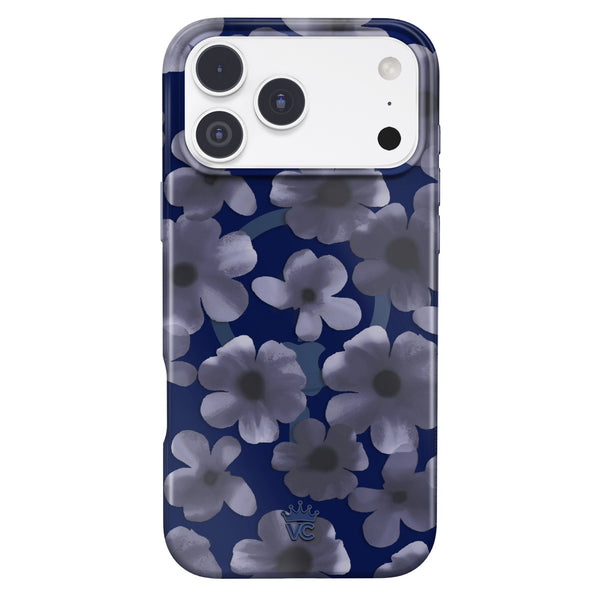
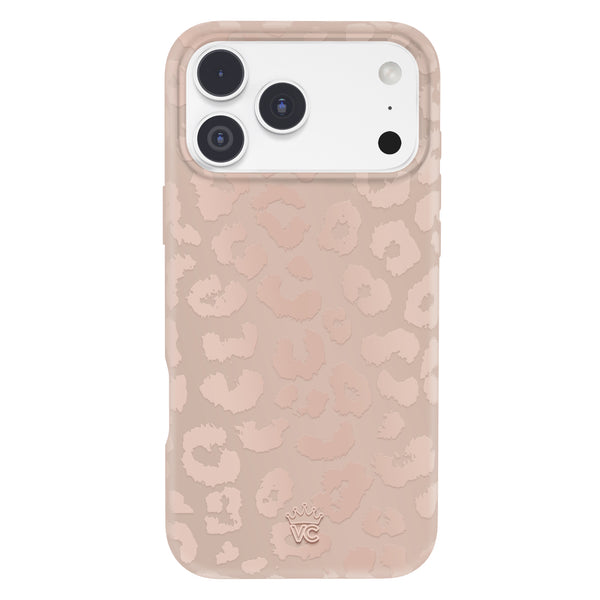
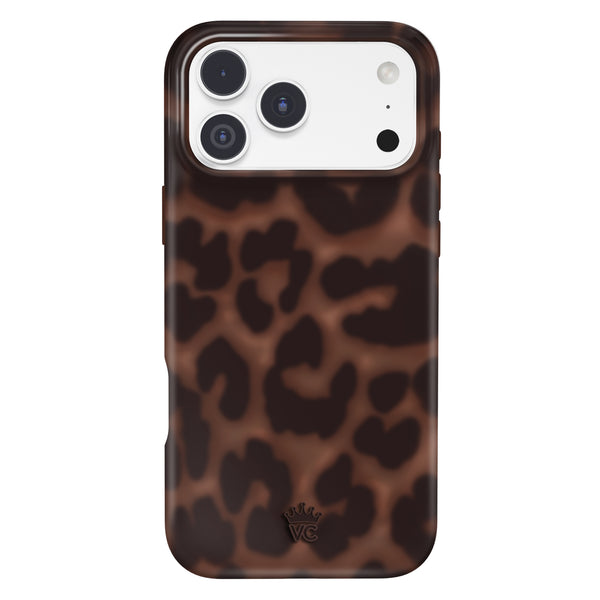
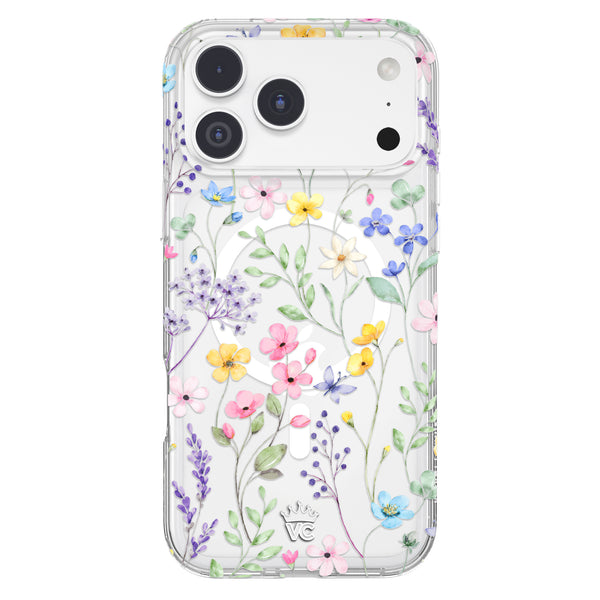
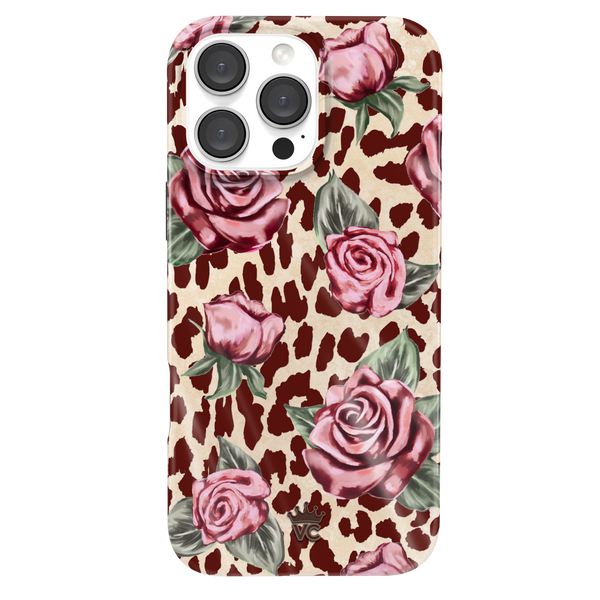
Same print, same color, full set energy. Pair the It Girl Leopard iPhone Case with the It Girl Leopard MagSafe Wallet for main character energy, or go coquette with the Midnight Blossom iPhone Case and Midnight Blossom MagSafe Wallet.
Tone on tone
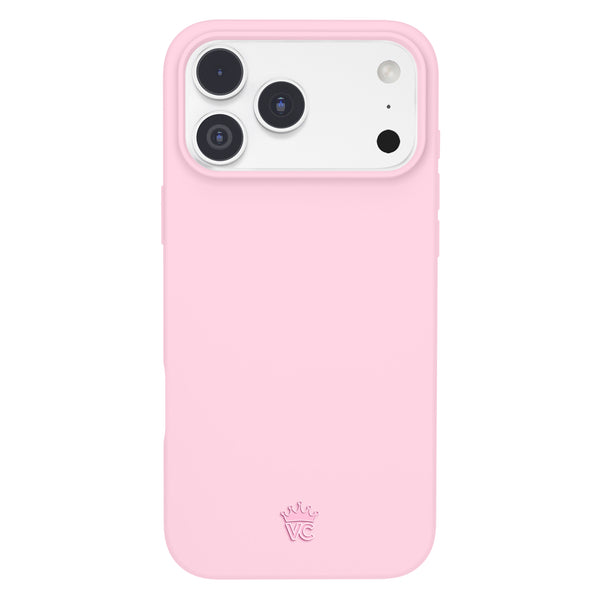
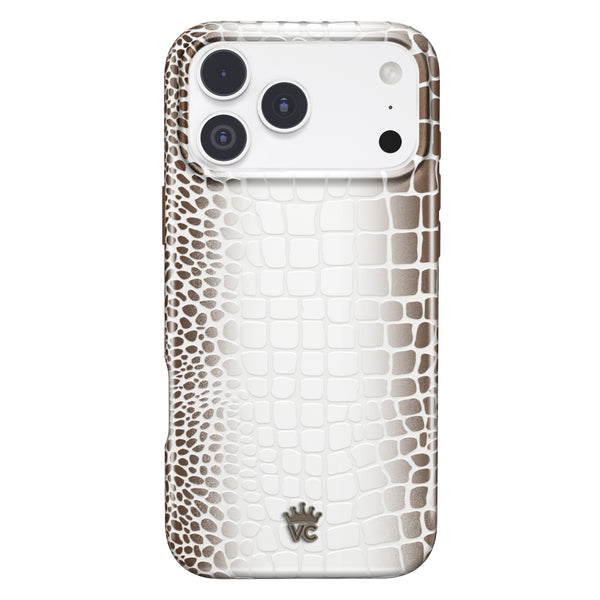
For an old money or clean girl look, keep the case patterned and the wallet solid. The Mocha Vibe Checkered iPhone Case with the Just Black MagSafe Wallet feels polished and quiet. The Cashmere Taupe iPhone Case with the White MagSafe Wallet is pure latte-core.
Play off Apple's new finishes
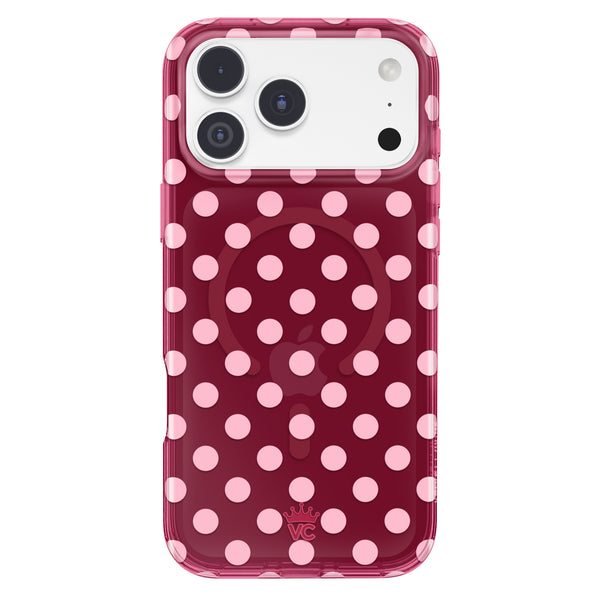
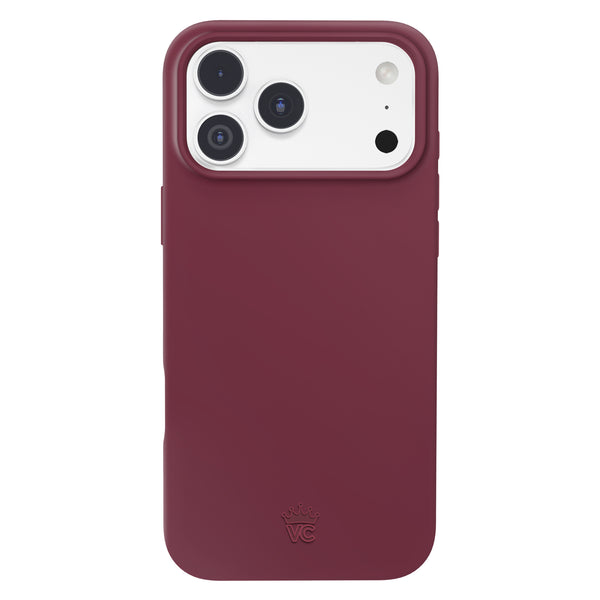
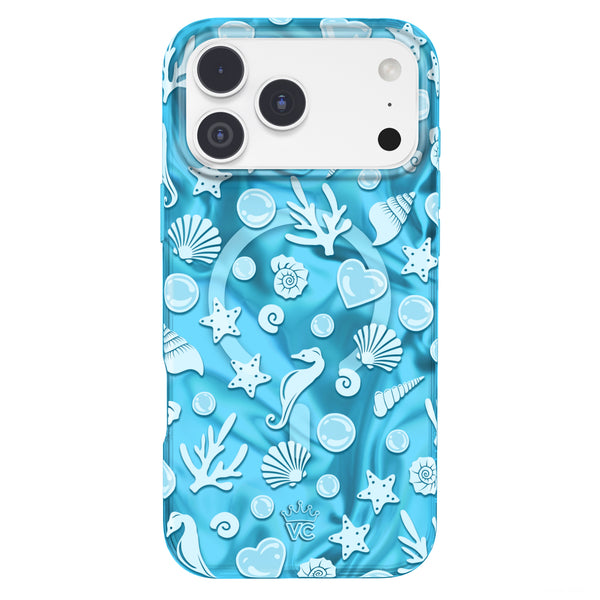
The iPhone 18 Pro Max comes in Black, Silver, Glacier and Burgundy. If you picked Burgundy, the Burgundy 1990 iPhone Case with a Silver Chrome MagSafe Wallet gives a Y2K wink. Glacier owners can lean into soft blues with the Cotton Candy Blue iPhone Case and a White MagSafe Wallet.
Want more pairing ideas? Our MagSafe wallets collection is organized so you can find a print that matches almost every case we make.
6. The Full Setup: Case, Wallet, Grip and Power Pack
Here is the four-piece setup that covers protection, payment, comfort and battery.
| Piece | What it does | Velvet Caviar pick | Price |
|---|---|---|---|
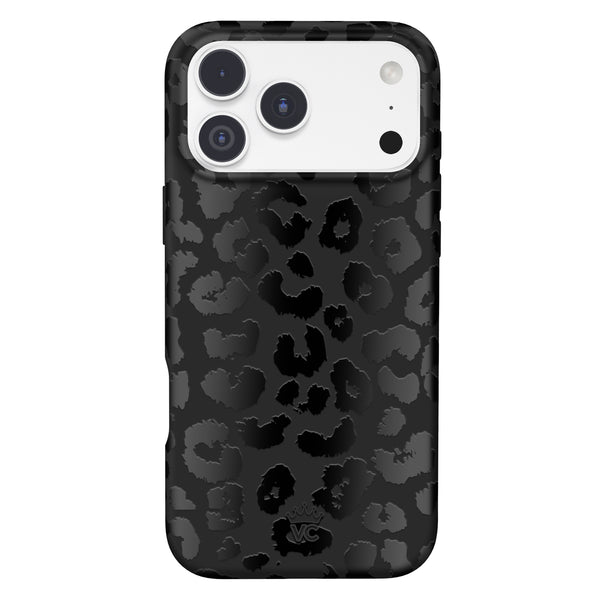
| MagSafe case | Protects the phone and anchors every magnetic accessory | Just Black iPhone Case (Ultra) | $40 |
| MagSafe wallet | Holds 1 to 3 cards, snaps off to charge | Just Black MagSafe Wallet | $30 |
| Grip ring or MightyGrip | Easier one-hand hold, doubles as a stand or a mirror-mount for content | Black MightyGrip MagSafe Mount | $25 |
| MagSafe power pack | Wireless top-up on long days | Black Portable MagSafe Charger Power Pack (5,000 mAh) | $50 |
Grip ring vs MightyGrip
A big phone deserves a secure grip. A MagSafe Grip Ring, like the Burgundy 1990 MagSafe Grip Ring or Holo Moonstone MagSafe Grip Ring, gives you a finger loop for scrolling and selfies. The Black MightyGrip MagSafe Mount uses suction cups so you can stick your phone to a mirror or shiny surface for hands-free filming.
Power pack
The Portable MagSafe Charger Power Pack has a 5,000 mAh battery and charges wirelessly through your MagSafe case. Just remember the same rule as your charger: wallet off, power pack on.
7. Apple's FineWoven Wallet: How It Compares
Apple announced a FineWoven Wallet alongside the iPhone 18 Pro lineup, next to its Silicone, TechWoven and Clear cases. Its standout feature is Find My support, so your phone can help you locate the wallet after it detaches. It is a solid, understated pick if you prefer a neutral textile look.
Where it can't compete is personality. If your phone is part of your outfit, a leopard, floral or chrome wallet designed to match your exact case makes a louder style statement.
8. What Velvet Caviar Brings to Your iPhone 18 Pro Max MagSafe Wallet Case Setup
- MagSafe built into every case: Classic and Ultra cases both have integrated magnets, easy-press buttons, anti-yellowing and scratch-resistant coatings, an anti-microbial coating and a soft interior lining.
- Two protection levels: Classic is a single-piece case with 2.5mm raised bezels. Ultra is a 2-in-1 design with flat-edge bumpers and extra grips for a bigger phone like the Pro Max. Both are drop-test certified.
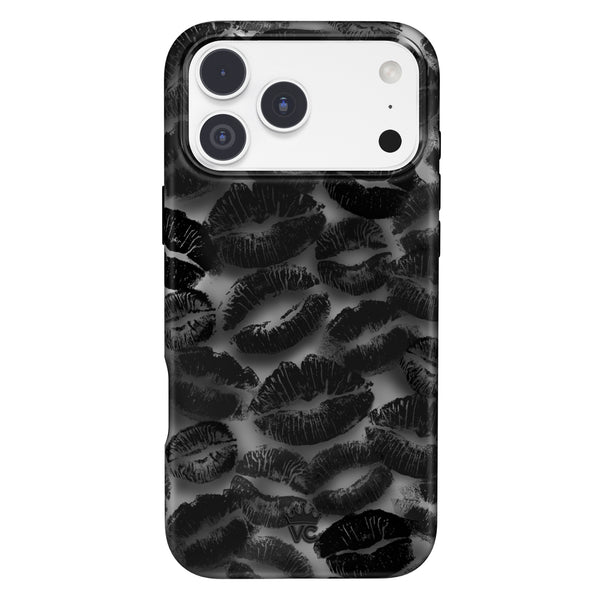
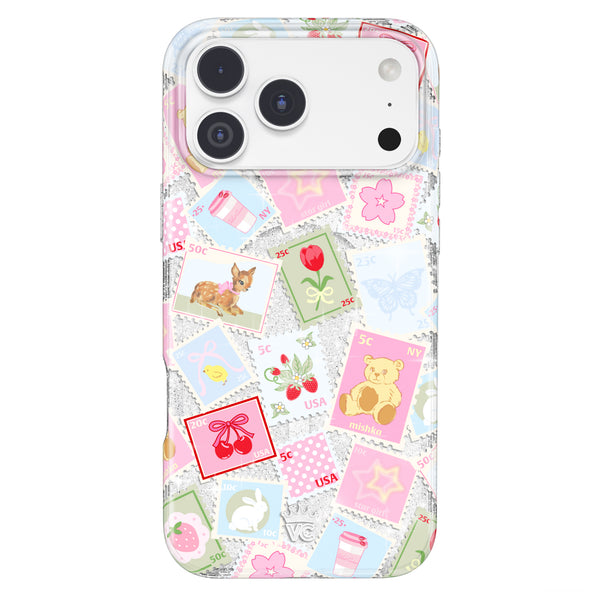
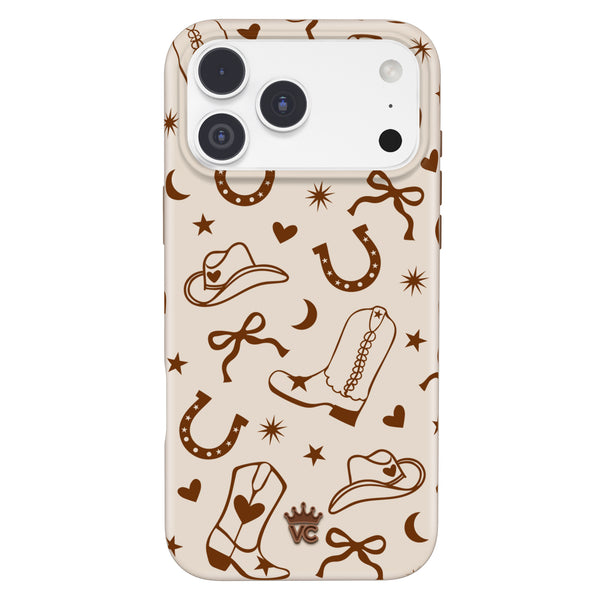
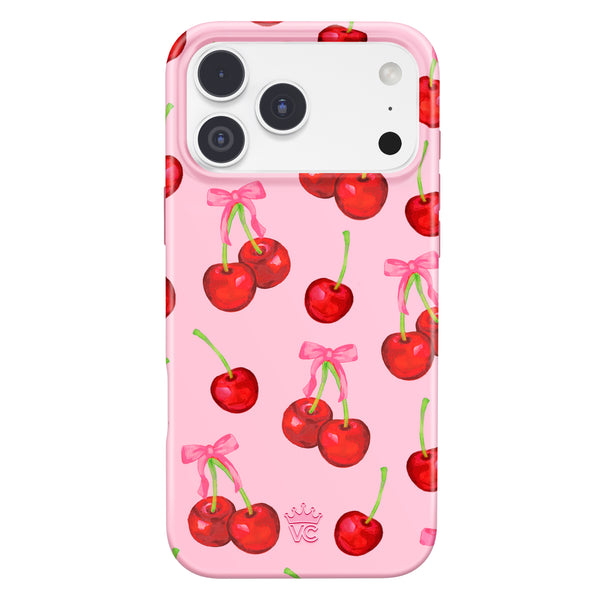
- Prints that match across accessories: It Girl Leopard, Midnight Blossom, Cashmere Taupe, Burgundy 1990 and many more come as matching cases and MagSafe accessories.
- Peace of mind: a 1-year warranty and easy returns.
The easiest way to get the full look is a Bundle Set. Each iPhone MagSafe bundle is $139 and pairs your case with matching MagSafe accessories, and you choose iPhone 18 Pro Max as your model at checkout.
Frequently Asked Questions
Can you charge an iPhone 18 Pro Max with a MagSafe wallet attached?
You shouldn't. Apple advises against placing credit cards between your iPhone and a MagSafe charger because it might damage magnetic strips or RFID chips. Slide the wallet off, charge, then snap it back on.
How many cards fit in a MagSafe wallet?
Most snap-on MagSafe wallets are designed for a few cards. The Velvet Caviar MagSafe Wallet securely holds 1 to 3 cards, which is ideal for an ID, one payment card and a transit or work pass.
Will an iPhone 17 Pro Max wallet case fit the iPhone 18 Pro Max?
Cases are model specific, and the iPhone 18 Pro Max has different dimensions and a slightly thicker camera plateau. Buy a case made for the iPhone 18 Pro Max. A snap-on MagSafe wallet is not tied to one model, so it can move over to your new case.
Do MagSafe wallets fall off easily?
A MagSafe wallet holds best on a case with built-in MagSafe magnets and when it isn't overfilled. Pulling your phone out of a tight jeans pocket can push it off, so a bag pocket is safer.
Do I need an RFID blocking MagSafe wallet?
Probably not. Fraud experts quoted by AARP describe RFID skimming as a largely theoretical risk, since thieves need to be very close and contactless cards use one-time codes. Treat RFID blocking as a bonus, not a must.
Are MagSafe wallets safe for my credit cards?
MagSafe wallets are fine for everyday carry, but Apple advises keeping cards away from a MagSafe charger because it might damage magnetic strips. Take the wallet off before you charge.
Does a MagSafe wallet work with any iPhone 18 Pro Max case?
It works best with a case that has built-in MagSafe magnets. On a case without MagSafe, the wallet can slide or fall off. Every Velvet Caviar case has MagSafe built in.
What is the best MagSafe setup for the iPhone 18 Pro Max?
A MagSafe case, a slim snap-on wallet, a grip ring or MightyGrip and a MagSafe power pack cover most needs. A Bundle Set gets you a matching case and MagSafe accessories in one print.
Build Your Set, Your Way
The best iPhone 18 Pro Max MagSafe wallet case setup is the one that fits your day: a protective MagSafe case, a slim wallet for your essentials, a grip for your hand and a power pack for the long nights. Match them and your phone reads as part of your outfit, not an afterthought.
Ready to make it match? Shop the Velvet Caviar iPhone MagSafe Bundle Sets and pick your print for iPhone 18 Pro Max.