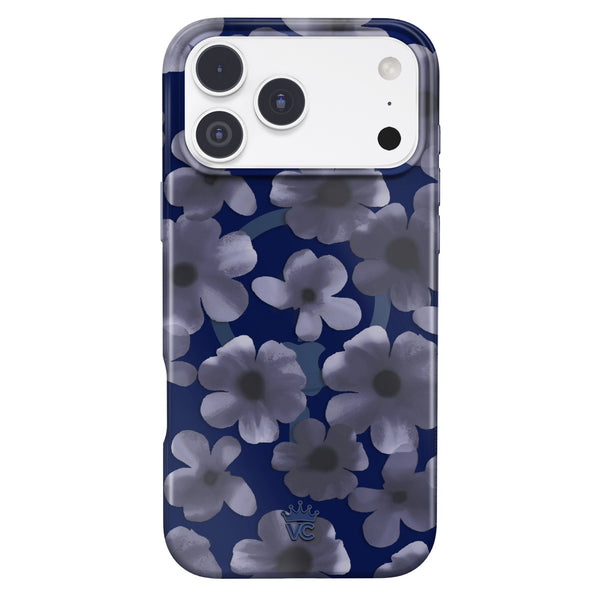
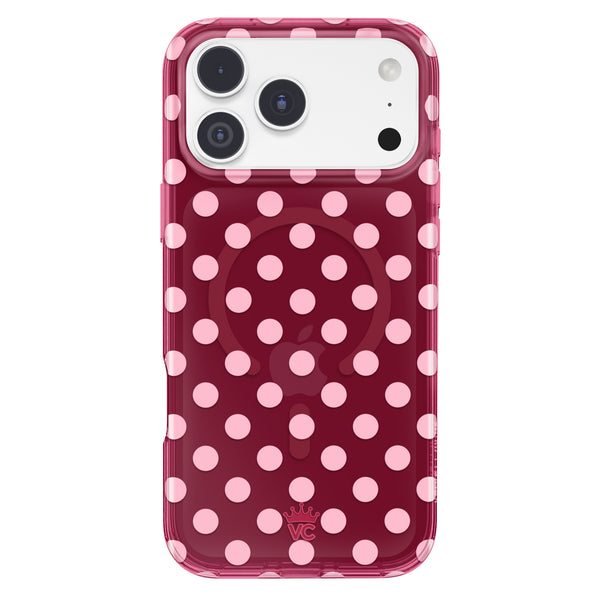
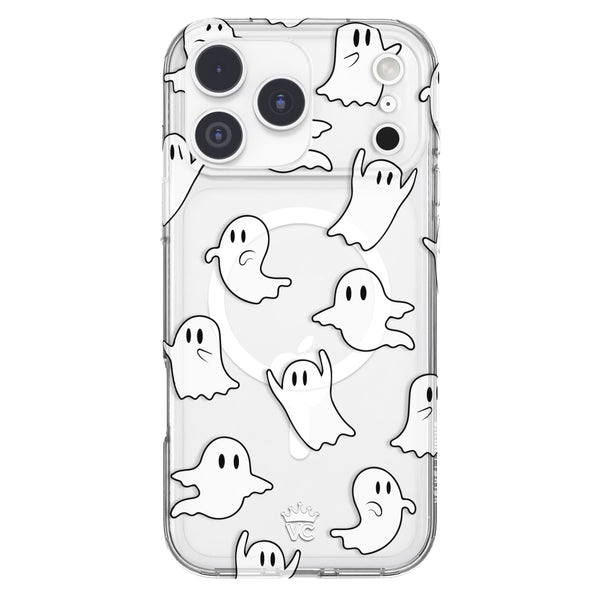
iPhone 18 Pro Max Case Review Checklist: What 30 Days of Daily Use Should Tell You
by Sam N. • Oct 09, 2026
Unboxing day is pure romance. The new case clicks on, the colors pop, and your iPhone 18 Pro Max looks like it was made for your aesthetic. But the honeymoon phase doesn't tell you much about how that case will treat you in week three, when it's been tossed in your bag with lip gloss, keys, and a crumpled receipt.
Most online reviews are written in the first few days. They cover looks and specs, then move on. The real iPhone 18 Pro Max case review happens in your own hands, over a month of coffee runs, commutes, and charging on your nightstand.
This checklist walks you through what to watch week by week, gives you a simple scoring table, and flags the signs that mean you should return or replace your case while you still can.
Key Takeaways
- Week one is about fit and button feel. Any looseness, gaps, or mushy buttons are early warning signs.
- Check MagSafe hold and heat during regular charging, since the iPhone 18 Pro Max supports MagSafe and Qi2 charging up to 25W.
- Clear and light cases should be watched for yellowing, and every case for scuffs, dust buildup, and lost grip.
- Score your case with the table below so your decision is based on patterns, not a single bad day.
- Know your return window and warranty before day one, so a red flag turns into a fix instead of regret.
1. Before You Start: Set Up Your Own Case Review
You don't need a lab to judge a case. You need a starting point and a little attention. On day one, take a few clear photos of your case from the front, back, and each side in good natural light. These are your "before" shots.
Then jot down three things: the date you got it, the return deadline, and the warranty length. Put a reminder in your phone a few days before the return window closes. Future you will be grateful.
Make sure it's the right model
Cases are model specific. The iPhone 18 Pro Max has its own dimensions and a camera plateau that's slightly thicker than on the iPhone 17 Pro, so a case made for another model won't fit right. Confirm the listing says iPhone 18 Pro Max before you judge anything else.
2. Week One: Fit, Buttons, and First Impressions
The first week is when fit problems show up fastest. Pay attention to how the case feels every time you pick up your phone.
Fit and edges
A good case hugs the phone with no rattling and no lifting at the corners. Press gently around the edges. If a corner pops away from the frame or you see a gap along the sides, that looseness can let the phone shift during a drop.
Button feel
Press the volume buttons, the side button, and the Action button a dozen times each. They should click cleanly without you needing to push hard. Check that Camera Control is easy to reach and responds the way it does without a case.
Cutouts
Plug in your USB-C cable. It should seat fully without the case blocking it. Look at the speaker and microphone openings too, since a misaligned cutout can muffle your voice notes.
3. Week Two: MagSafe Hold, Charging, and Heat
By week two, your MagSafe habits are in full swing. Maybe you have a wallet, a grip ring, or a car mount. This is when you learn whether the magnets are doing their job.
MagSafe hold
Snap on your MagSafe charger and accessories. They should align instantly and stay put when you pick up the phone. If a wallet slides off in your bag or your charger keeps drifting off center, the magnet alignment may be off.
Charging speed and heat
According to Apple's iPhone 18 Pro tech specs, the iPhone 18 Pro Max supports MagSafe wireless charging up to 25W and Qi2 up to 25W. A well-designed MagSafe case shouldn't get in the way of a solid connection. Notice whether charging feels noticeably slower than usual or the phone gets hotter than normal while charging in the case. Our guide to whether MagSafe cases still work at 25W covers what to look for.
4. Week Three: Yellowing, Scuffs, and Grip
Week three is when wear starts to show. Pull out your day-one photos and compare them side by side.
Yellowing
Clear and light-colored cases are most at risk. Sunlight, heat, and oils from your hands can cause some materials to discolor over time. Look closely at the edges and corners, since that's often where tint appears first.
Scuffs and scratches
Check the back and sides for scratches from keys, rings, and tabletops. Some light marks are normal. Deep gouges, peeling prints, or a finish that wears through in just a few weeks are not.
Grip
A case should feel secure in your hand, not slippery. If you notice your phone sliding off the couch arm or out of your hand more often, that matters. Grip is protection too, because the best drop is the one that never happens.
5. Week Four: Real Life Fit and the Details
By the last week, you know how your case fits into your routine. Now zoom in on the little things.
Pocket and bag fit
Does your phone still slip easily into your jeans pocket, crossbody, or mini bag? A case that's too grippy can snag on fabric, while a bulky one can make small bags awkward.
Camera plateau lip
Set your phone down flat on a table, camera side down. The raised lip around the camera plateau should keep the lenses from touching the surface. If the lenses make contact, that lip isn't doing enough.
Dust in the corners
Take the case off and look inside. A little lint is normal, but grit trapped in the corners can scratch your phone's finish over time. If you're finding buildup, give everything a clean using our complete phone case cleaning guide.
6. Your iPhone 18 Pro Max Case Review Scorecard
Score each category from 1 to 5 at the end of the month. A 5 means you didn't think about it once. A 1 means it annoyed you daily.
| Category | What to check | Score 5 if... | Score 1 if... |
|---|---|---|---|
| Fit | Edges, corners, rattling | Snug everywhere, no gaps | Corners lift or phone shifts |
| Buttons | Volume, side, Action, Camera Control | Clean clicks, easy reach | Stiff, mushy, or hard to find |
| MagSafe | Charger, wallet, grip hold | Snaps on and stays put | Slides or misaligns often |
| Charging and heat | Speed and warmth in the case | Feels the same as usual | Noticeably slower or hotter |
| Color | Yellowing or fading | Looks like your day-one photos | Visible tint or fading |
| Surface wear | Scuffs, scratches, print wear | Minimal light marks | Deep marks or peeling |
| Grip | Feel in hand | Secure, never slippery | Slips often |
| Pocket and bag fit | Daily carry | Slides in easily | Snags or feels bulky |
| Camera lip | Lens clearance on a flat surface | Lenses never touch | Lenses make contact |
| Cleanliness | Dust and grit inside | Easy to keep clean | Grit builds up fast |
A total of 40 or more out of 50 means you've got a keeper. Between 30 and 39, it's fine but worth watching. Below 30, start looking at your options.
7. Red Flags That Mean Return or Replace
Some issues are just quirks. Others mean the case isn't protecting your phone the way it should. If you spot any of these, act while you're still within your return window or warranty period.
- Cracks or splits in the case, especially at the corners
- Loose fit that lets the phone move inside the case
- Weak MagSafe hold that drops accessories or misaligns your charger
- Buttons that stick or stop responding
- A camera lip that doesn't clear the lenses on a flat surface
- Fast yellowing or peeling after only a few weeks
Beyond 30 days, cases still age. Our guide on when you should replace your phone case explains the longer-term signs to watch.
8. How Velvet Caviar Designs Against These Problems
We think about week four on day one. Every Velvet Caviar case is designed around the issues that show up in real life, not just in product photos.
- Anti-yellowing coating to help keep clear and light cases looking fresh
- Scratch-resistant finish so your print survives your bag
- Easy-press buttons for clean, responsive clicks
- MagSafe compatibility for chargers, wallets, and grips
- 2.5mm raised bezels around the screen and camera
- Interior lining and anti-microbial coating for a cleaner fit
- A 1-year warranty and easy returns if something isn't right
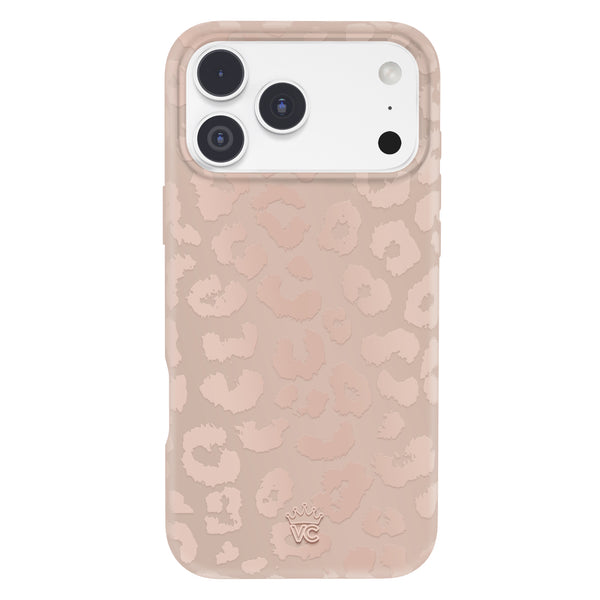
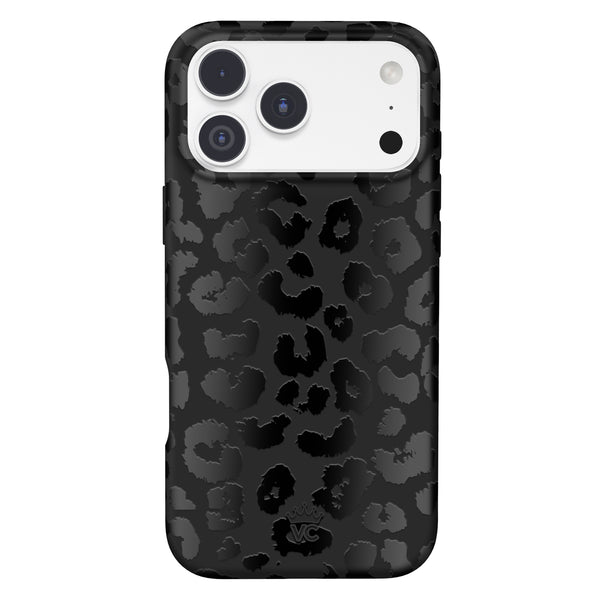
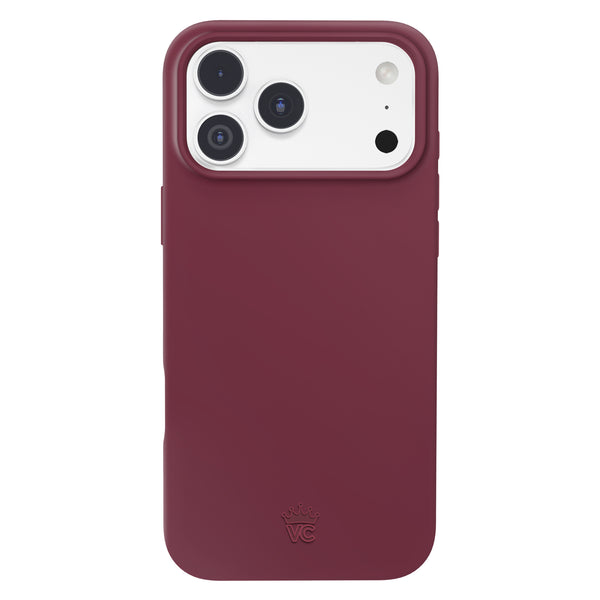
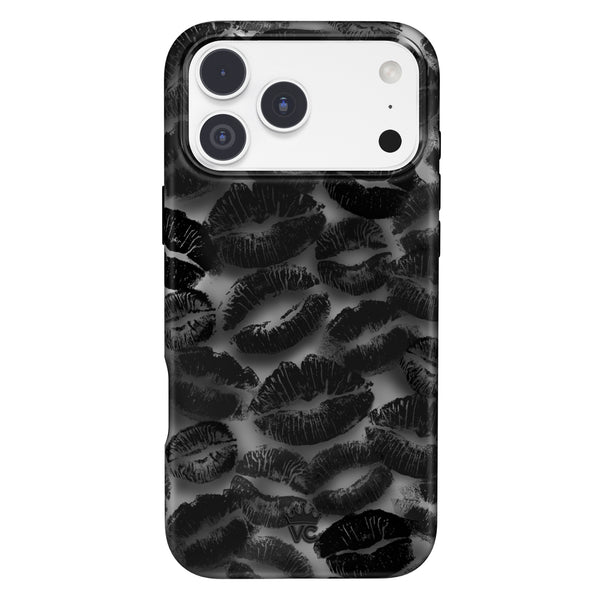
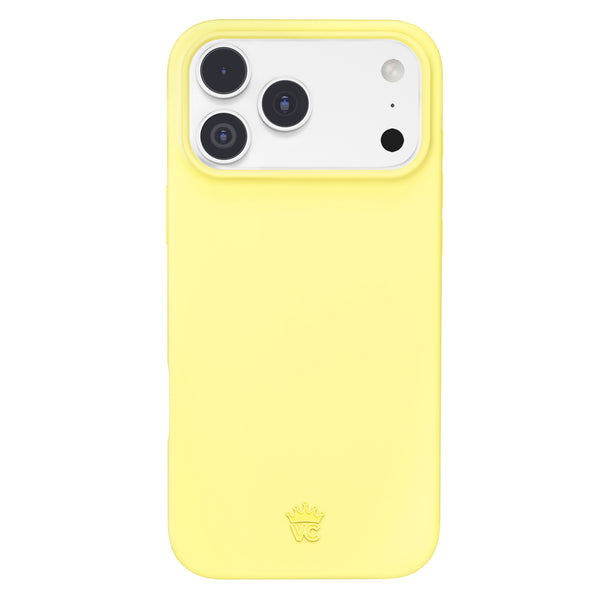
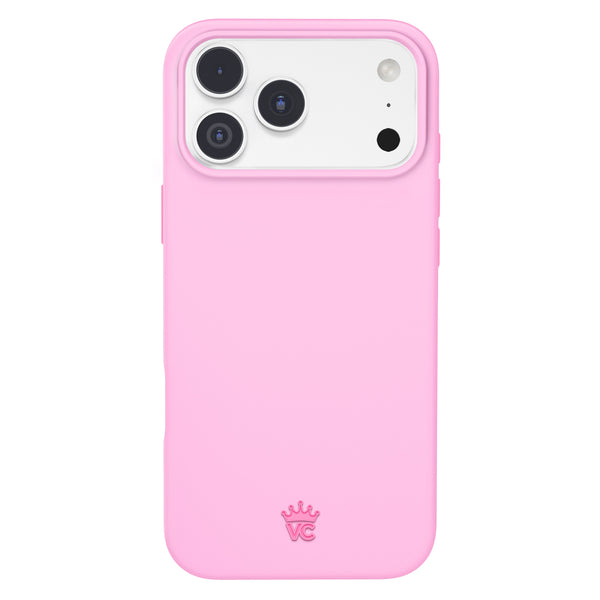
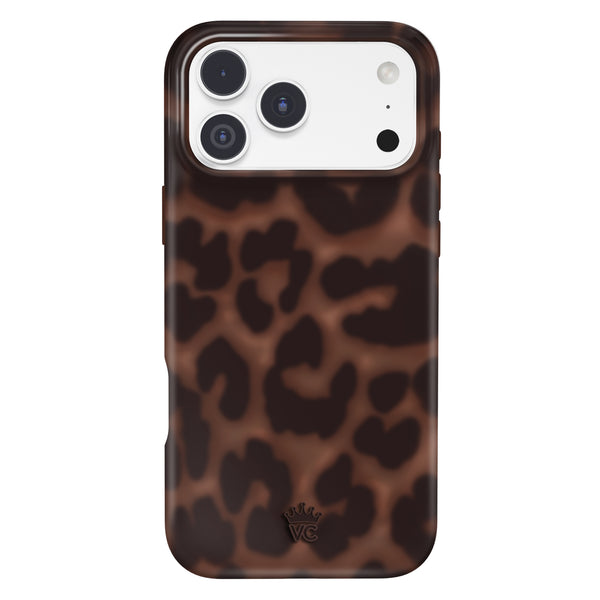
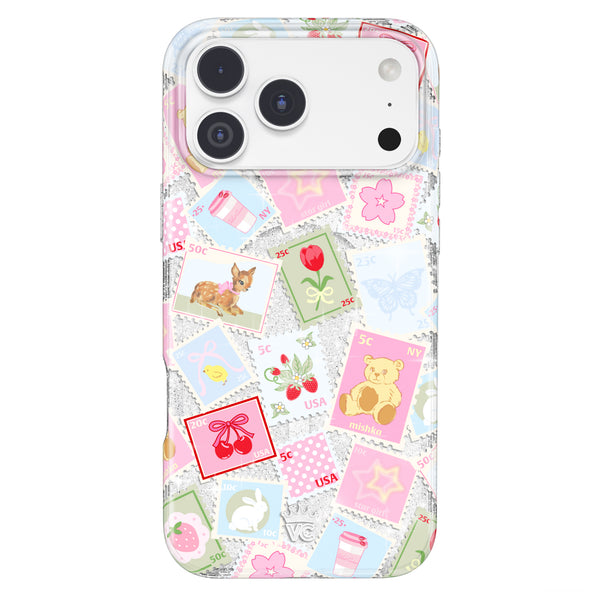
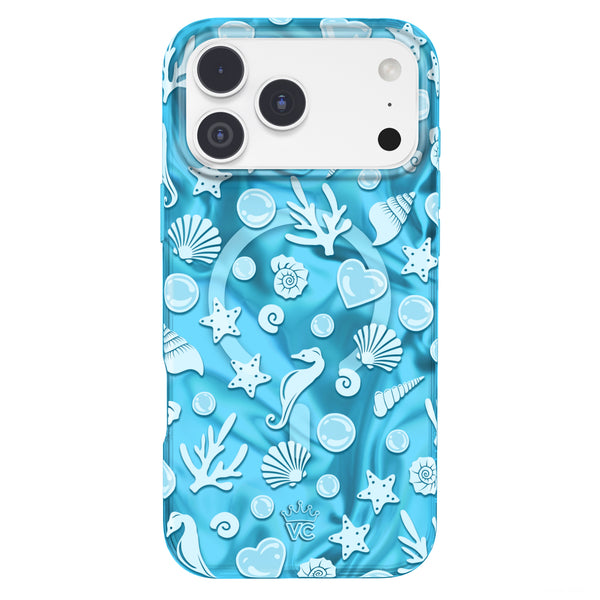
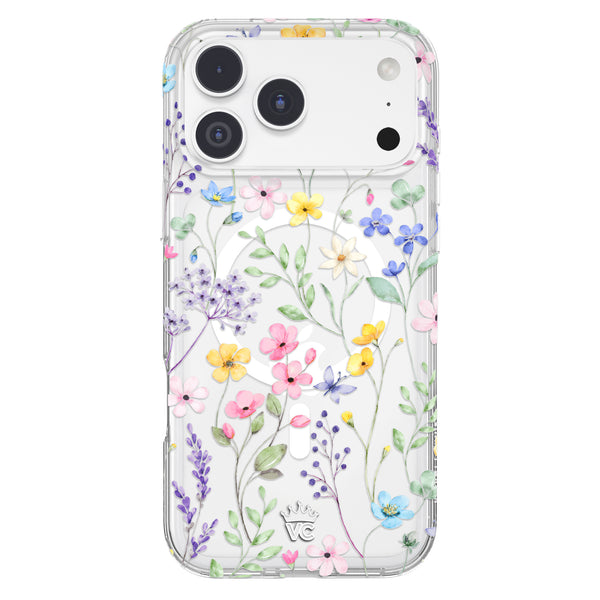
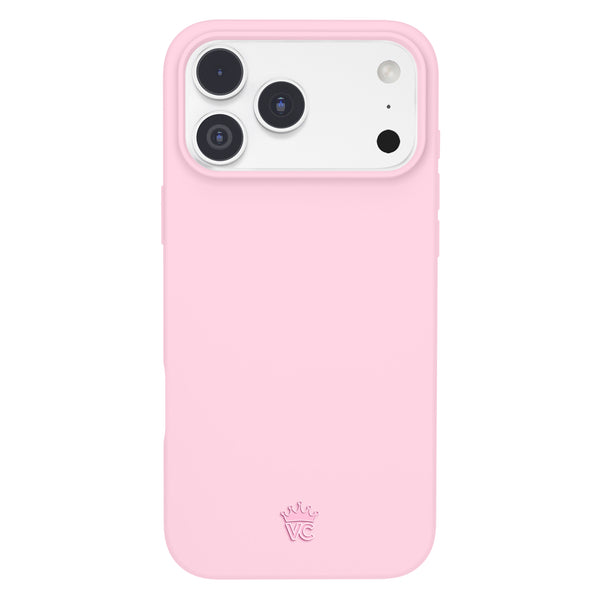
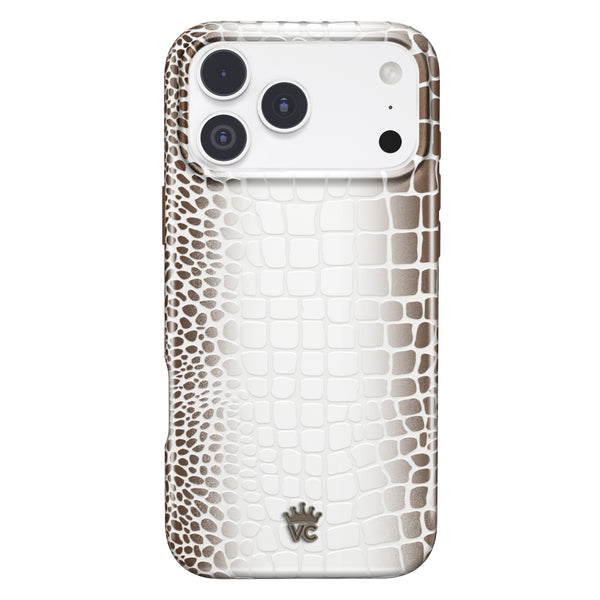
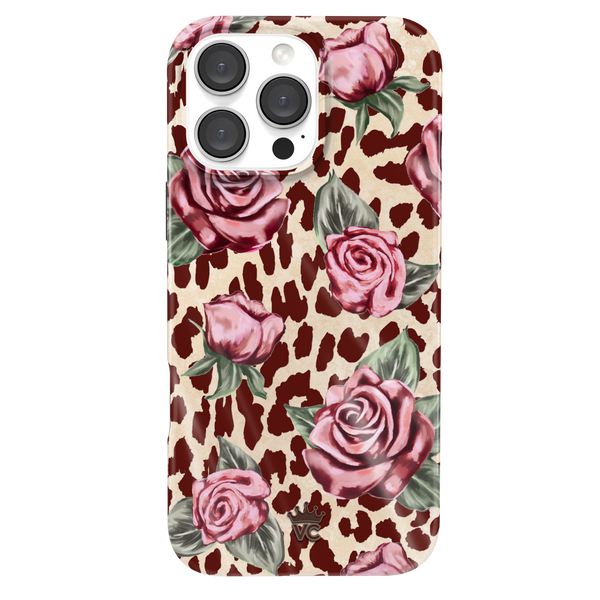
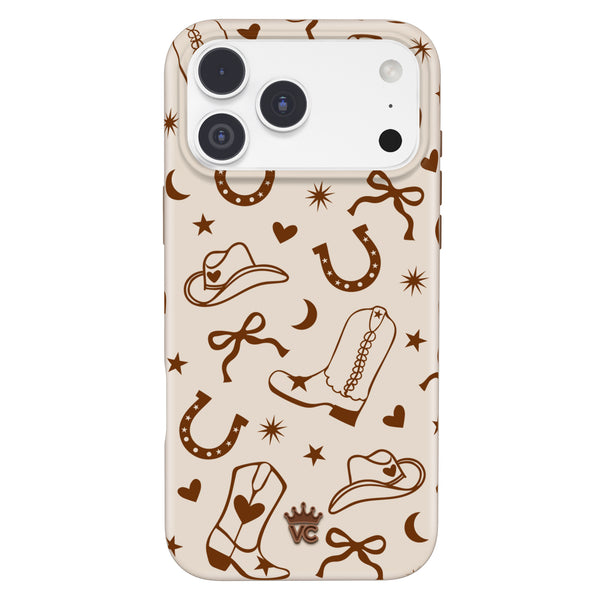
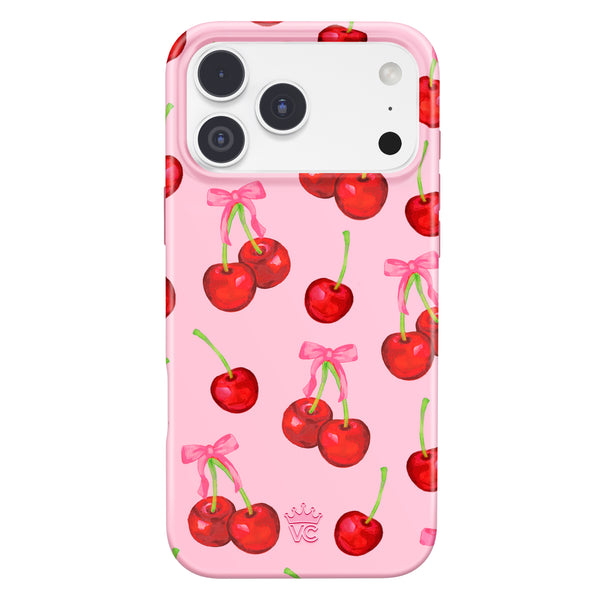
Choose the Classic, a single-piece case, or the Ultra, a 2-in-1 with flat-edge bumpers and additional grips. Love a clean girl look? The Clear MagSafe iPhone Case shows off your phone's finish. Want serious grip with a cozy vibe? The Mocha Vibe Checkered iPhone Case and the Pink Sugar iPhone Case are both Ultra styles. Pair either with the Just Black MagSafe Wallet or the Strawberry Milk MagSafe Grip Ring.
See every style made for your phone in our iPhone 18 Pro Max cases collection.
Frequently Asked Questions
How long should I test a new phone case before deciding?
Give it a few weeks of normal use if you can, but check your return deadline first. Fit and button problems show up in the first week, while yellowing and wear take longer. Decide before the return window closes.
Why is my clear phone case turning yellow?
Some case materials discolor with exposure to sunlight, heat, and oils from your skin. Cases with an anti-yellowing coating are designed to resist this. Regular cleaning also helps keep a clear case looking fresh.
Does a case slow down MagSafe charging on iPhone 18 Pro Max?
A MagSafe-compatible case is designed to keep the charger aligned. If charging feels much slower or hotter with the case on, the alignment may be off. Try the charger without the case to compare.
When should I return a phone case?
Return it if the fit is loose, the case cracks, the buttons stick, or MagSafe accessories won't stay attached. Act within the return window, and check the warranty for issues that show up later.
How long does a phone case usually last?
It depends on the material and how you use it. Watch for cracks, a loose fit, yellowing or peeling, and replace the case when it stops protecting your phone properly.
How do I know if my iPhone 18 Pro Max case fits correctly?
The case should sit snugly with no rattling, lifting corners or gaps along the sides. Buttons should click cleanly, and the camera lip should keep the lenses off a flat table.
Should a MagSafe case get hot while charging?
A little warmth during wireless charging is normal. If the phone gets much hotter than usual or charging is clearly slower in the case, check the alignment or try charging without the case to compare.
Does Velvet Caviar have a warranty on cases?
Yes. Velvet Caviar cases come with a 1-year warranty and easy returns. Keep your order details handy in case something goes wrong.
Trust Your Own Review
The best case review is the one you write yourself over a month of real life. Use the checklist, score honestly, and don't settle for a case that makes your day harder.
Ready for a case designed with week four in mind? Shop the Velvet Caviar iPhone 18 Pro Max collection and find the style that feels like you.